

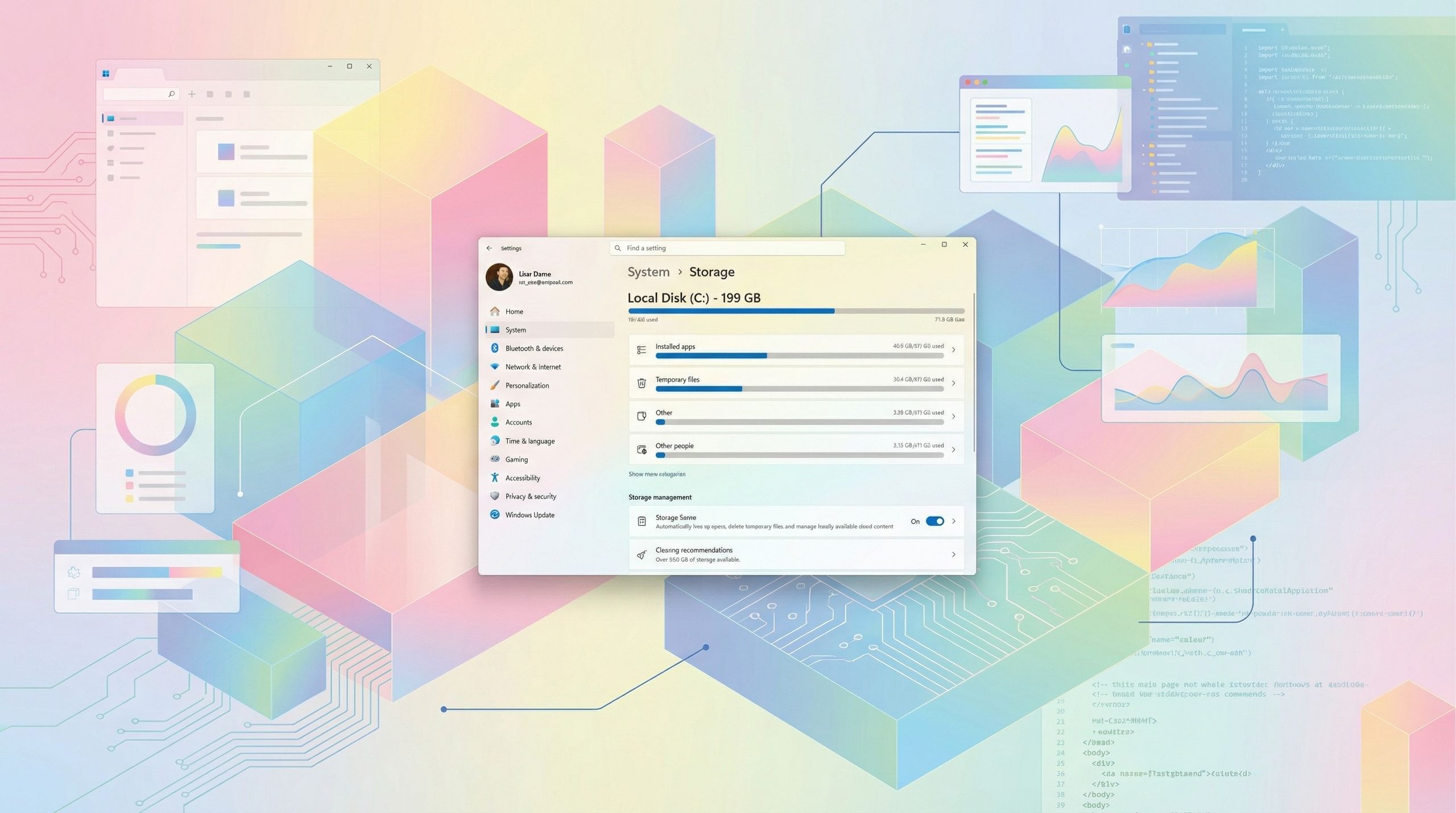
Microsoft has quietly tightened Windows 11’s security model, and the latest change is already raising eyebrows. The Storage settings page — a core part of managing disk space, cleanup tools, and system files — now requires full administrator rights to access. It’s a small tweak on paper, but one that could leave everyday users confused when a previously open‑access menu suddenly demands elevated permissions.
On February 10, 2026, Microsoft is expected to start the rollout of the February 2026 Security Update, and alongside the new features and improvements, the company will be introducing a small but important security enhancement.
Starting with this update, opening the Storage settings page in the Settings app will trigger a User Account Control (UAC) prompt, and as the company noted (via WindowsLatest), this change helps to “ensure that only authorized Windows users can access system files, Windows now displays a User Account Control (UAC) prompt when you open Storage settings.”
As part of the next Patch Tuesday update, Microsoft plans to ship various additional improvements and new features, including the ability to resume Android apps on your computer. The company will also start rolling out a major upgrade to Windows MIDI Services, including enhanced support for MIDI 0 (in-box) and 2.0, full WinMM and WinRT MIDI 1.0 support with built‑in translation, shared MIDI ports across apps, and much more.
If you use external fingerprint readers, you can now set them up with Windows Hello using the enhanced security feature, and Microsoft has also noted that you’ll now be able to manage the Smart App Control without reinstalling the operating system.
The new prompt is available now, as well as the new features and changes starting with the release of the non-security update KB5074105, released on January 29, 2026, but the notes about the administrator prompt were added on January 30. On February 10, 2026, the company will start rolling out the February 2026 Security Update, and the release notes will note that this update also includes the changes and fixes from the update KB5074105 (preview) released on January 29.
Locking Storage settings behind admin rights makes sense from a security perspective, but it also adds friction to one of Windows 11’s most essential maintenance tools. As Microsoft continues tightening system controls, the challenge will be balancing protection with usability — especially for households and shared PCs where not everyone has admin access. Whether this becomes a smoother experience or a new pain point will depend on how Microsoft evolves the feature from here.
What are your thoughts about this change in the upcoming system update? Let me know in the comments!
More resources
For more helpful articles, coverage, and answers to common questions about Windows 10 and Windows 11, visit the following resources:

Follow Windows Central on Google News to keep our latest news, insights, and features at the top of your feeds!
First Appeared on
Source link






Leave feedback about this