

The latest Sims 4 Update has just been officially released across Computer and Console supported platforms. Including PC, Mac, Xbox and Playstation supported platforms and consoles.
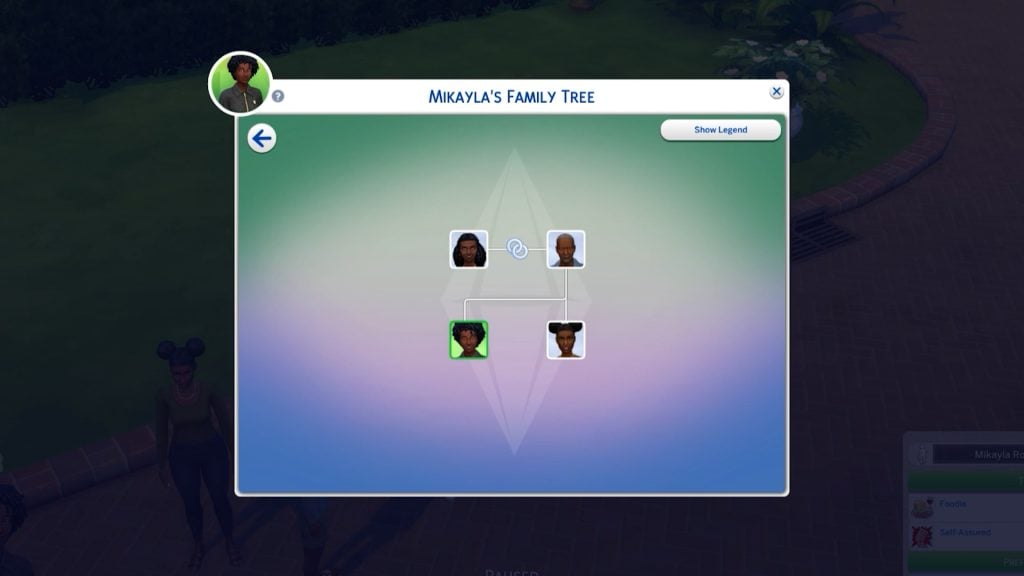
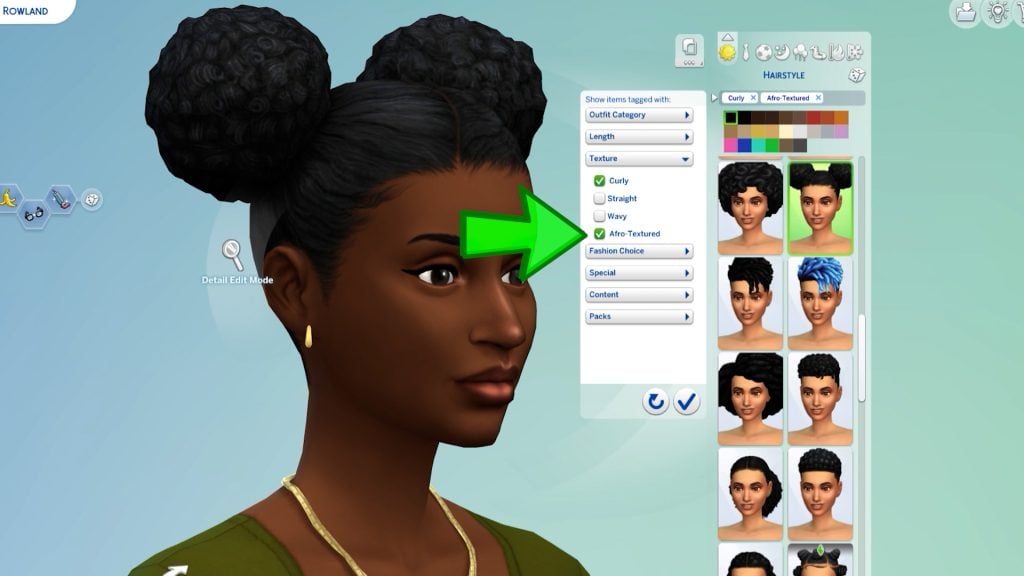
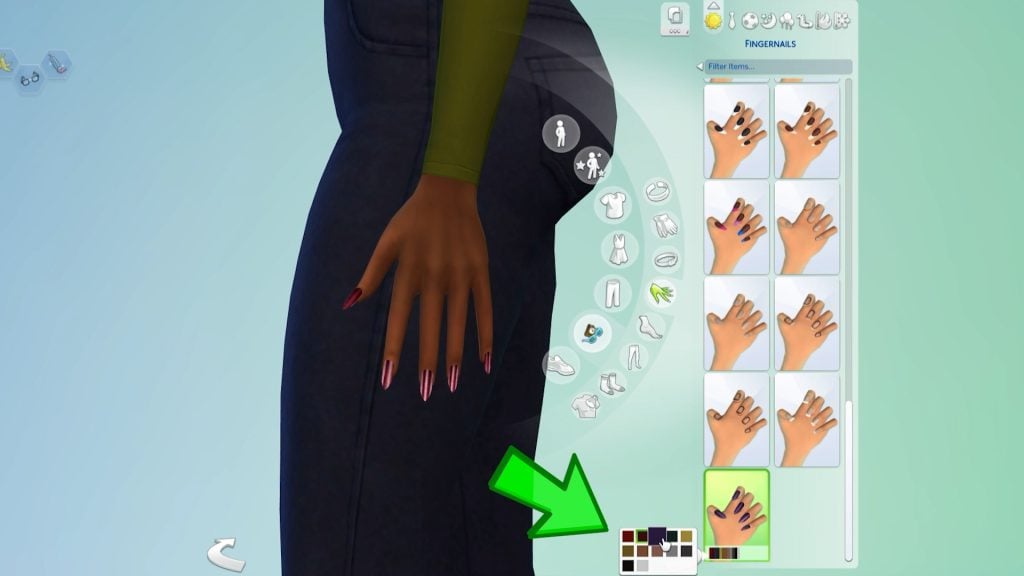
The newest Sims 4 Patch both prepares the game for the upcoming Sims 4 Royalty & Legacy Expansion Pack release and adds new features and improvements to the Base Game experience. Features such as new Stair Tools, Upgrades to Family Trees and more have already been announced yesterday.
When it comes to Sims 4 bug fixes, you should finally expect the Black Photos bug issue to be resolved. More fixes have been announced already in last week’s Sims 4 Laundry List, including changes to game code that modders should know!
The Pre-Royalty Update
Installing the Latest Sims 4 Update
You can get the latest The Sims 4 Update on the following official launchers and platforms:
- PC: EA App, Origin, Steam, Epic Games
- Mac: Origin, Steam
- Playstation: PS4 and PS5
- Xbox: Xbox One and Xbox Series X / S
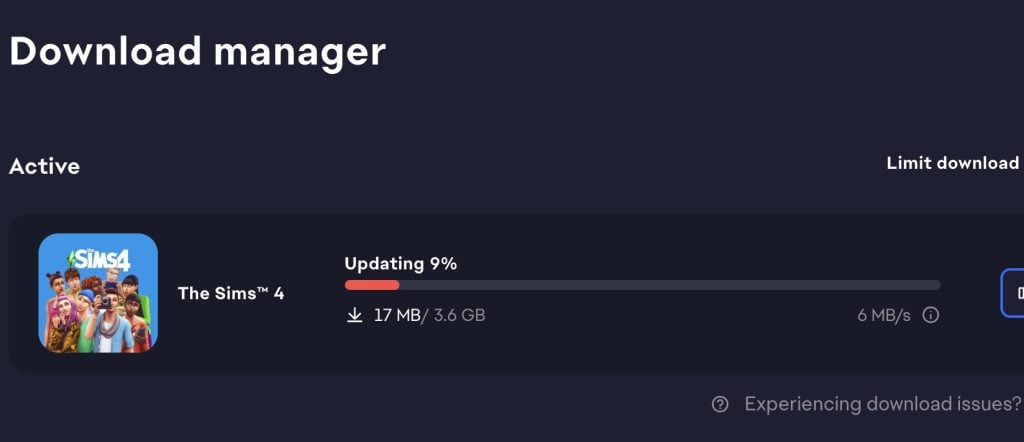
You can download the latest Sims 4 Update by checking for a Patch through the EA App, Steam or Epic Games launcher for Desktop. If you have Automatic Updates enabled the update will automatically download through your client program. In case your EA App is not working properly ensure you’ve cleared your app cache!
If you play The Sims 4 on Xbox Series X / S and Playstation 4 and 5 you can request a new update by checking for updates under The Sims 4 game in the Main Menu. If you’ve enabled automatic updates the Patch should download right away.
There’s also a handy official guide to Mods and CC maintenance, as well as backing up your Saves! Click here to learn all about healthy upkeep of your The Sims 4 files.

Official The Sims 4 Patch Notes incoming…
Second Update
WARNING: There is a second Sims 4 Patch issued just now! If you downloaded the first update you will have to download the second one to have the latest version. If you didn’t download the first update, the Patch will be merged into one.
What happened?
Player @Simmattically also noticed the double patch release, pointing out that the game version reverted from 1.121 (which was the initial update) to 1.120 (the second game update). Stating that they can’t launch the game with the second update.
What the hell is Maxis doing? They released game update number 1.121 today, and just a few minutes ago, another update was released. But this time the game reverted to version 1.120. The game doesn’t even launch. (You must clear your Sims 4 folder in the Documents first.)
Inside the Sims 4 Documents folder, there is a gameversion.txt file that stores the last played game version. They reverted the update from 1.121 back to 1.120, so if the newer version is recorded in that file, the game will refuse to launch. You can simply delete that one file and the game should start, but I wouldn’t touch any save files if they were already saved while on version 1.121.
The latest Sims 4 Update is around 4GB on Mac devices.
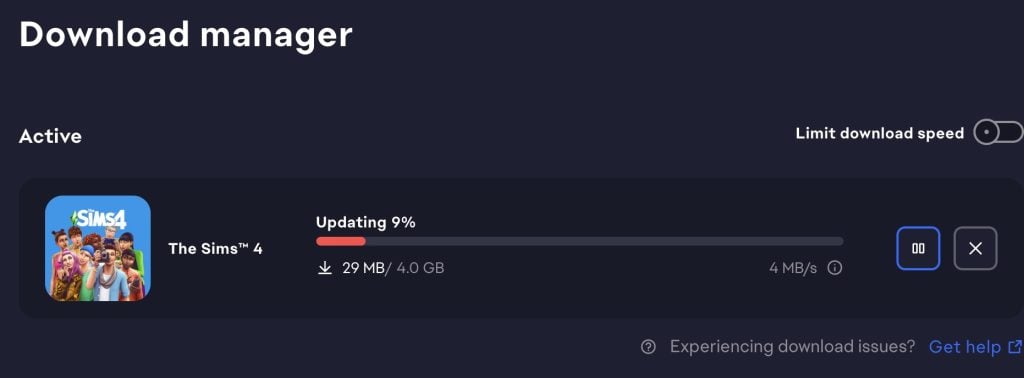
What’s your experience so far with downloading and playing the latest Sims 4 Update? Let us know in the comments below and stay tuned for latest coverage on new game features!
First Appeared on
Source link





Leave feedback about this