

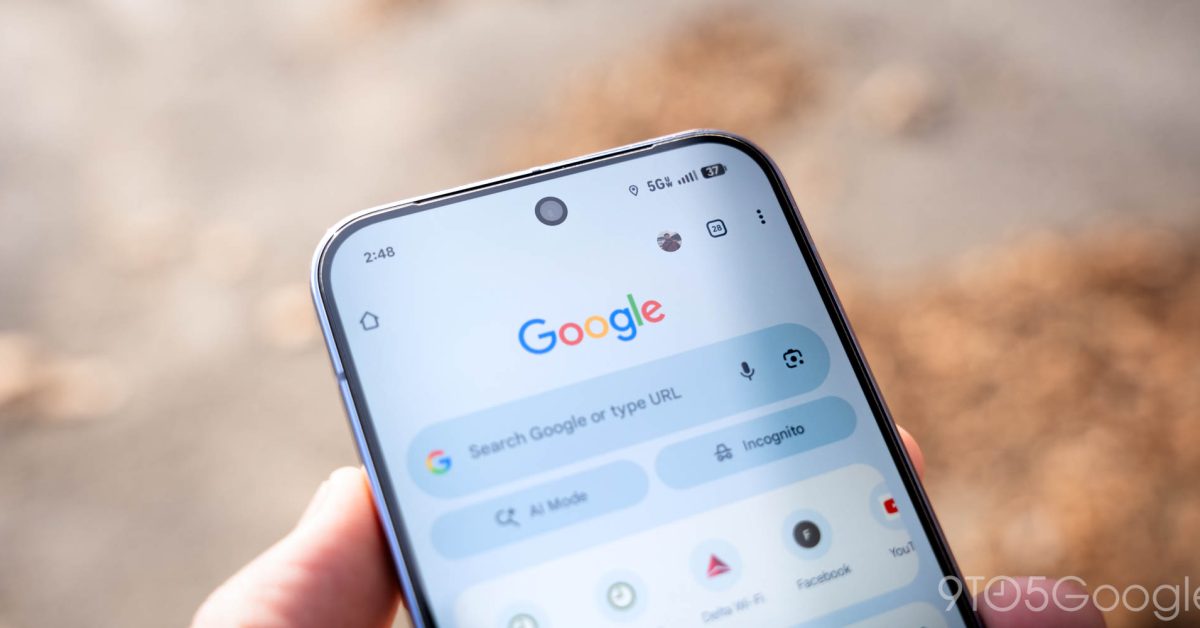
After announcing in December, Google is more widely rolling out tab pinning in Chrome for Android.
In the tab grid, long-press on a card for a new “Pin tab” option just above Close tab. This will move that page to the front/top, while Chrome replaces the ‘x’ with a pin to make it harder to accidentally close. Additionally, you cannot swipe to close from the grid view.
If you’re not at the top of the grid, there’s a new docked carousel showing pinned tabs (favicons + page name) that you can scroll through and tap to open. The animation here is nice and snappy.
You can “Unpin tab” and close with another long-press.
We’re seeing this more widely rolled out with Chrome 144 today to finally match the desktop browser.
More on Chrome:


FTC: We use income earning auto affiliate links. More.

First Appeared on
Source link





Leave feedback about this