

Refresh
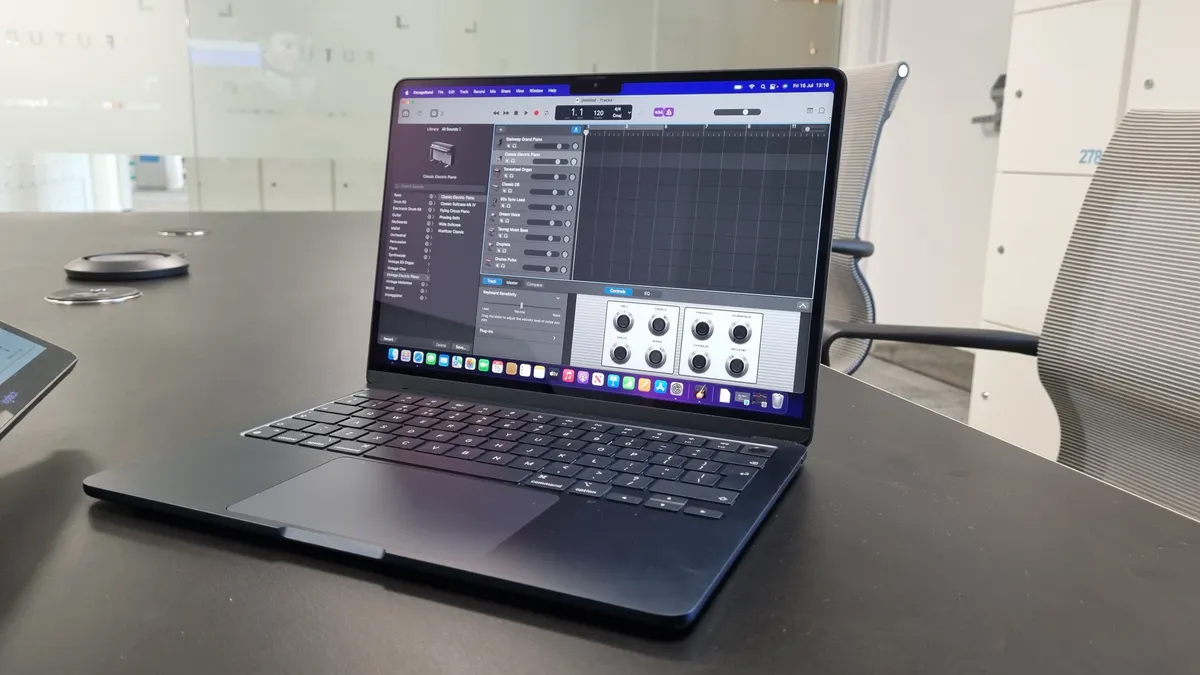
Ads for the new MacBooks haven’t hit YouTube yet, but Apple’s Greg Joswiak has shared the ad for the MacBook Air on X (below).
Powerful and durable…yet thin and light.The new MacBook Air with M5 just got even better with exceptional performance and AI capabilities. pic.twitter.com/Dm4SyIIDlkMarch 3, 2026
Judging by the initial response online, aside from the upgraded chips, it’s the increased base storage for both MacBooks that’s turning heads.
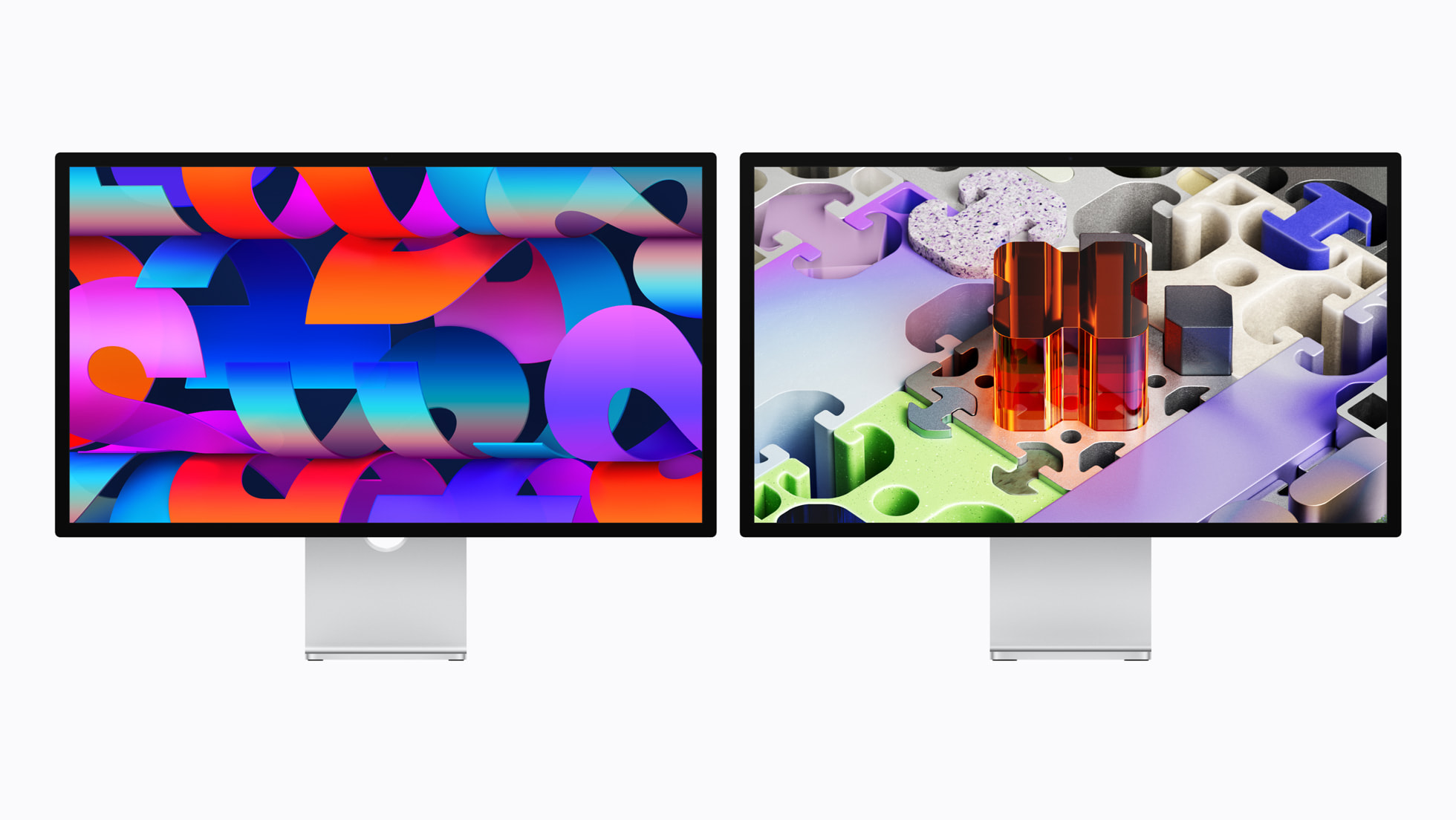
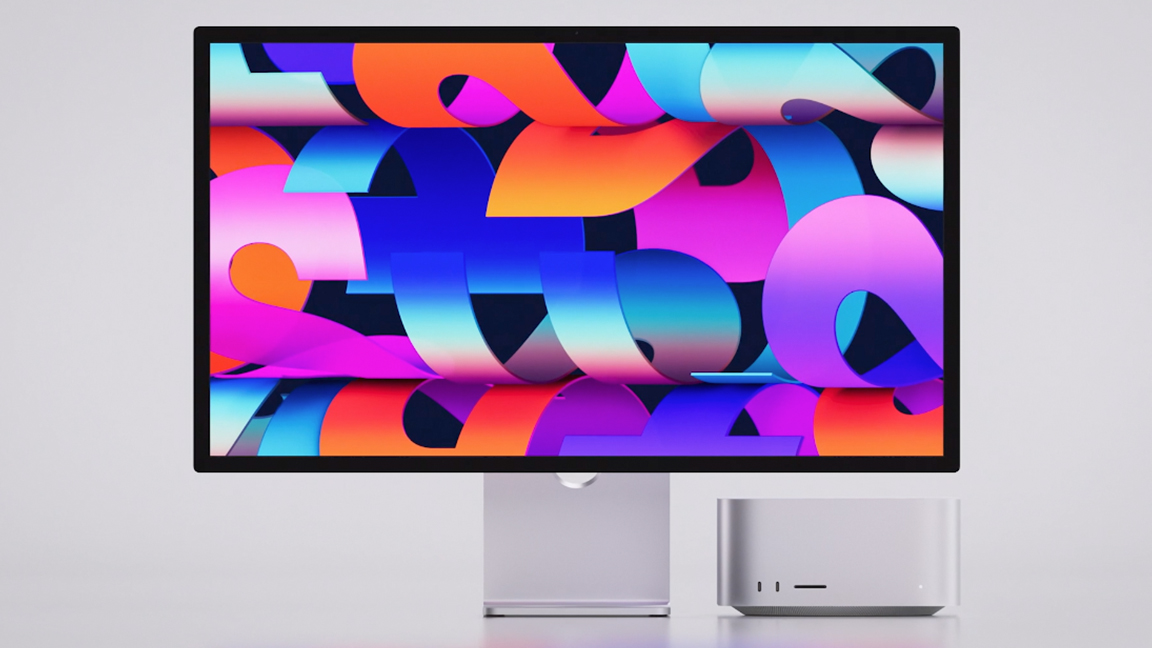
Studio Display 2 and Studio Display XDR
This is exciting news for creatives. Two new displays – apparently for the everyday user AND creative pros. To be specific that means a refreshed Studio Display and a brand-new flagship, the Studio Display XDR, which effectively replaces the aging Pro Display XDR.
- Mini-LED Tech: Featuring over 2,000 local dimming zones, it delivers a staggering 2,000 nits of peak HDR brightness and a 1,000,000:1 contrast ratio.
- ProMotion comes to Desktop: For the first time, a 27-inch Apple display supports a 120Hz refresh rate, making it the ultimate tool for video editors and gamers.
And standard Studio Display gets a big internal boost while maintaining its $1,599 price. The headline here is Thunderbolt 5, which allows creatives to daisy-chain up to four 5K displays from a single M5 Max MacBook Pro. It also features an improved 12MP Center Stage camera with Desk View support and enhanced audio processing.
By pricing the XDR model at $3,299, Apple has finally made reference-grade HDR monitoring accessible to independent studios. This is a massive win for creatives and might earn Apple a spot back on our guide for the best monitors.
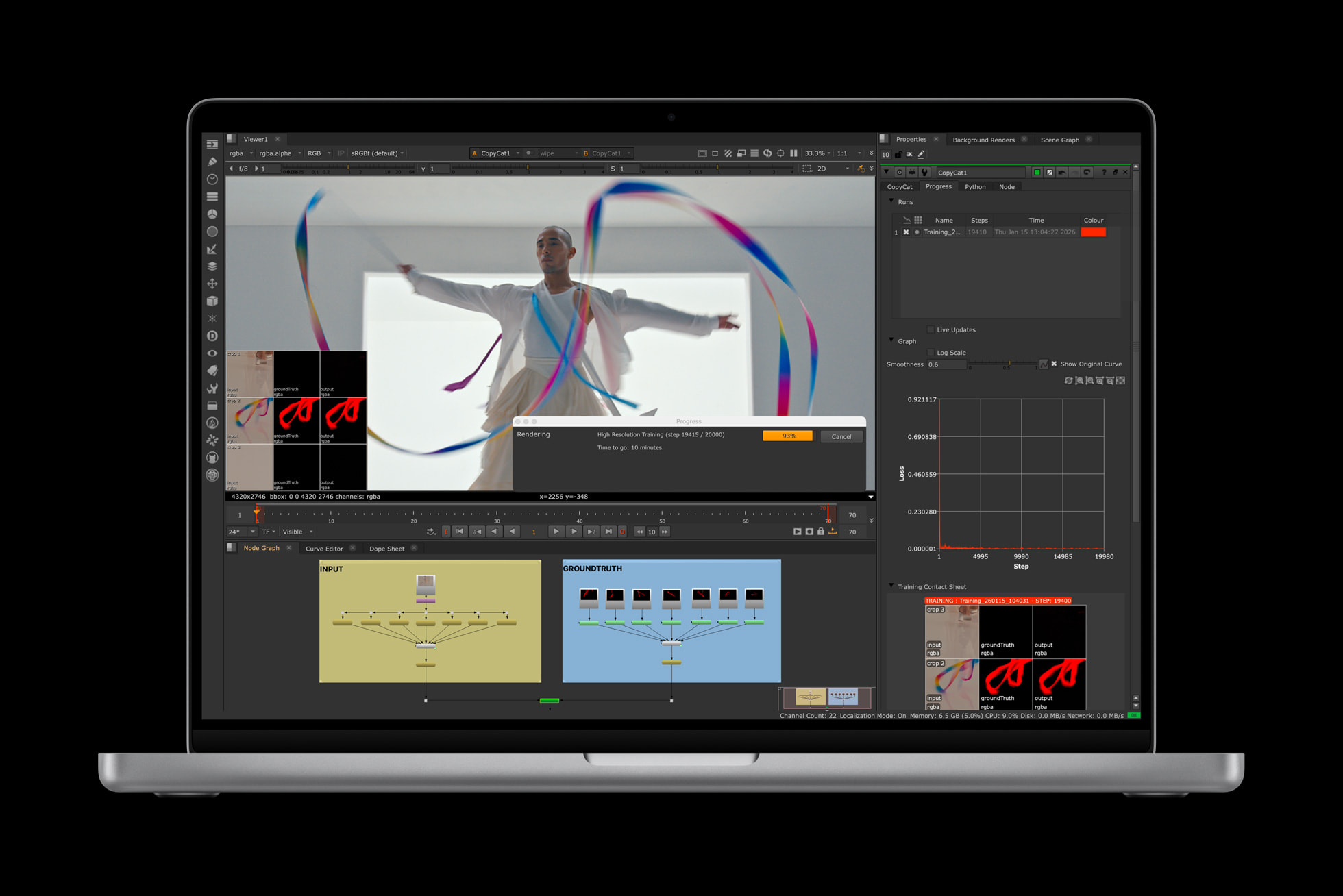
MacBook Pro M5 Pro and Pro Max
Finally we get the drop we’ve been waiting for since last year – the M5 Pro and Pro Max MacBooks in bigger screen sizes.
- Base Storage: Storage now starts at 1TB for the M5 Pro and 2TB for the M5 Max, with SSD speeds up to 2x faster than before.
- Connectivity: Both models feature the N1 wireless chip for native Wi-Fi 7 and Bluetooth 6 support. Thunderbolt 5: High-speed data transfer is standard, supporting massive bandwidth for pro peripherals.
Specs:
- Display: Liquid Retina XDR with a new nano-texture option.
- Battery: An incredible 24 hours of life.
- Camera: 12MP Center Stage for pro-grade video calls.
- Colors: Available in Space Black and Silver.
I think we’re going to see a new entry to the top of our laptop guides for creatives.
MacBook Air M5
The new M5 chip features a faster CPU and a next-generation GPU, but the headline is the Neural Accelerator integrated into every GPU core. This allows the Air to handle complex AI tasks – like local Large Language Models (LLMs) and diffusion models a lot faster than before.
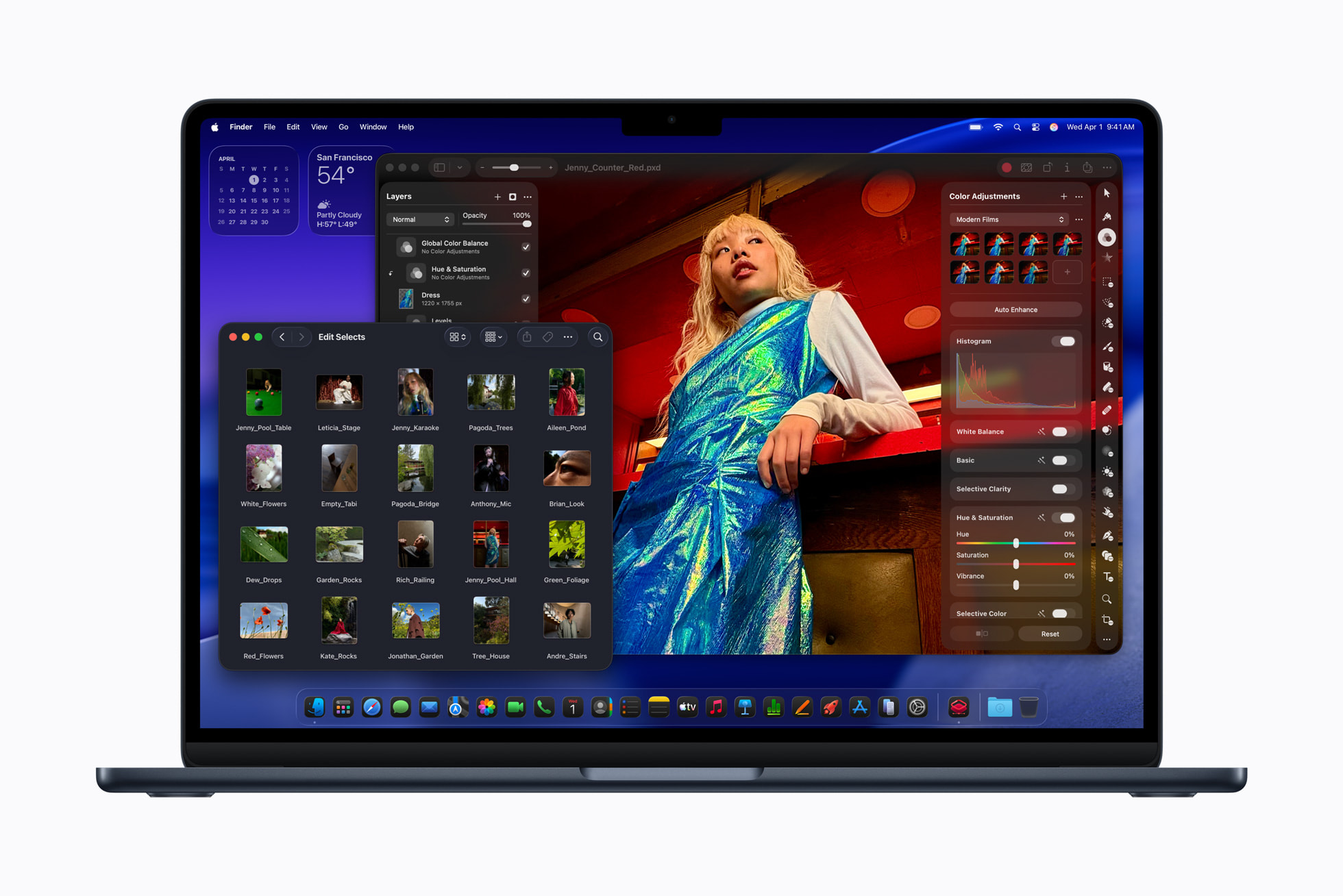
- Chip: M5 with 10-core CPU and next-gen GPU.
- Display: 13- and 15-inch Liquid Retina options.
- Camera: 12MP Center Stage for high-quality video calls.
- Battery: Up to 18 hours of life.
- Audio: Immersive sound system with Spatial Audio.
- Ports: Two Thunderbolt 4 ports (supporting up to two external displays).
- Colors: Sky Blue, Midnight, Starlight, and Silver.
Apple has just announced the following:
- MacBook Air M5
- MacBook Pro M5 Pro and M5 Max
- Studio Display 2 and Studio Display XDR
This is a great set of drops for creatives, with the most powerful of our favourite MacBooks getting a boost – and that long-awaited Studio Display.
Standby for more details!
Come on Apple… we’re on a schedule here.

There’s only about 10 minutes to go until the supposed second drop of new products. While we’re all biting our nails in anticipation, I thought we could rundown the specs of the potential new products all in one place. Standby…
- Processor: M5 Pro (up to 14 cores) or M5 Max (up to 16 cores).
- Architecture: Enhanced 3nm (N3P) process for ~25% better multi-core performance.
- Graphics: Up to 40 GPU cores with a new Neural Accelerator for AI-intensive tasks.
- Memory: Starting at 24GB or 48GB (Pro) and supporting 128GB+ (Max).
- Connectivity: Wi-Fi 7, Bluetooth 6.0, and Thunderbolt 5 (120Gbps).
- Display: Still the Liquid Retina XDR (OLED isn’t expected until M6 in 2027).
2. The new $699 “MacBook” (A18 Pro)
Apple’s rumoured attempt to capture the student market from Chromebooks.
- Processor: A18 Pro (borrowed from iPhone 17 Pro) offering M1-level performance.
- Display: 12.9-inch non-ProMotion panel (potentially without True Tone to save costs).
- Design: Ultra-thin, fanless aluminum chassis in “fun” colors (Yellow, Green, Pink).
- RAM/Storage: 8GB base RAM and 128GB/256GB storage options.
- Compromises: No backlit keyboard, standard USB-C (no Thunderbolt), and slower SSD speeds.
3. Studio Display 2
The first major refresh since 2022, designed to bridge the gap to the Pro Display XDR.
- Panel: 27-inch 5K Mini-LED (offering true blacks and 1,000+ nits HDR).
- Refresh Rate: 120Hz ProMotion (a massive jump from the current 60Hz).
- Intelligence: A19 chip inside for improved 12MP Center Stage camera processing.
- Audio: Upgraded six-speaker system with enhanced Spatial Audio.
- Ports: Inclusion of at least one Thunderbolt 5 port for high-bandwidth daisy-chaining.
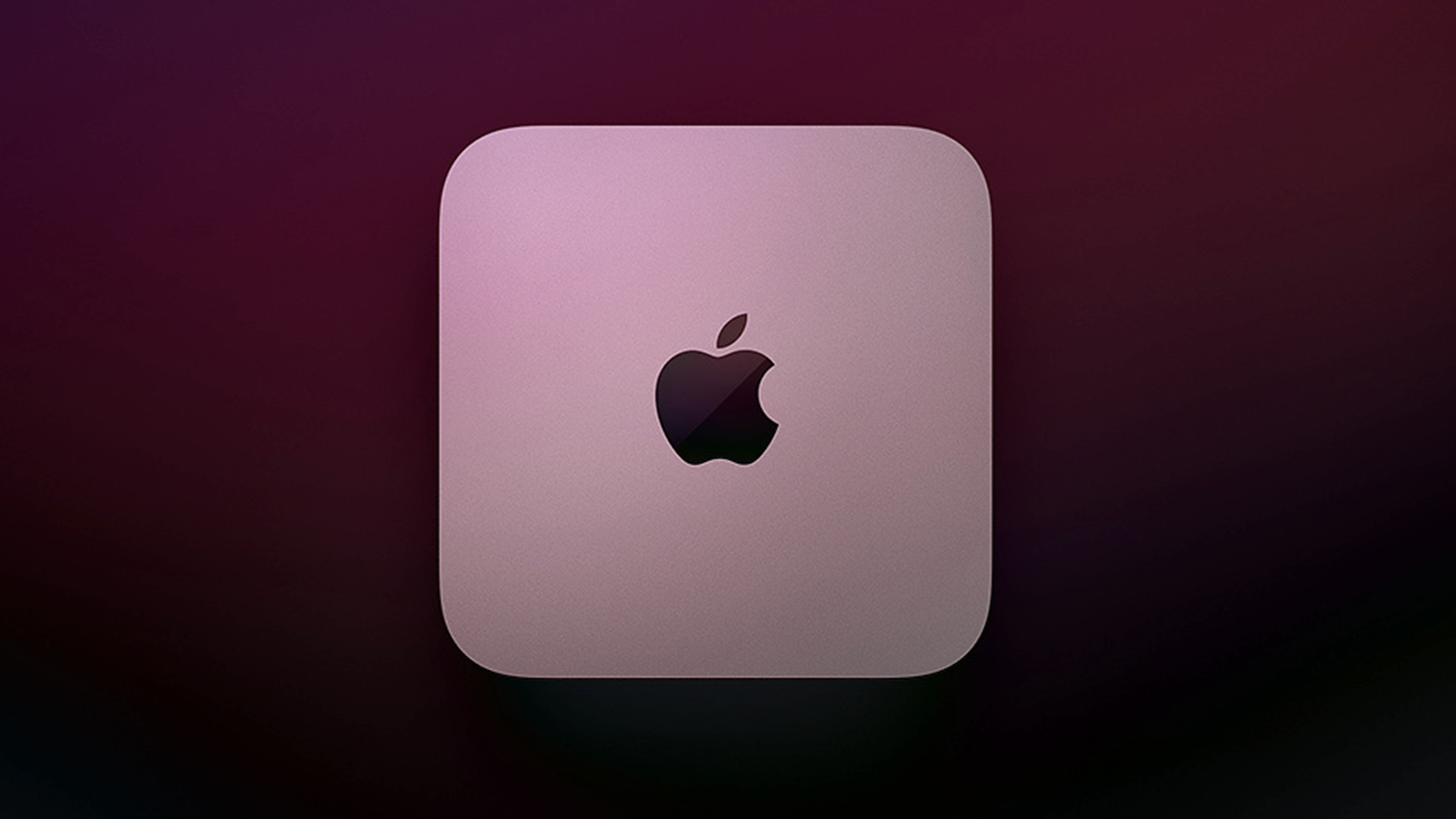
iPhone 17e pricing
Are you thinking about upgrading to the iPhone 17e? How much will it cost you?
Let’s have a look at some prices:
- iPhone 17e (256GB) will cost you $599 in the US and £599 in the UK
- iPhone 17e (512GB) will cost you $799 in the US and £799 in the UK
- iPhone 17 (256GB) will cost you $799 in the US and £799 in the UK
- iPhone 17 (512GB) will cost you $999 in the US and £999 in the UK
So whether or not you’ll want the iPhone 17e or the iPhone 17 will depend on how much you care about the iPhone 17’s features. And whether you have $200/£200 to spend on them.
What’s the difference in feature set? Well, the iPhone 17 has an 18MP front-facing camera and two rear cameras, while the 17e has just a single camera lens. There’s also the lack of the iPhone 17’s 120Hz ProMotion display in the 17e, which has a 60Hz display.
For our design editor, Daniel John, the 17e has actually convinced him to buy the iPhone 17. What do you think? Let us know in the comments.
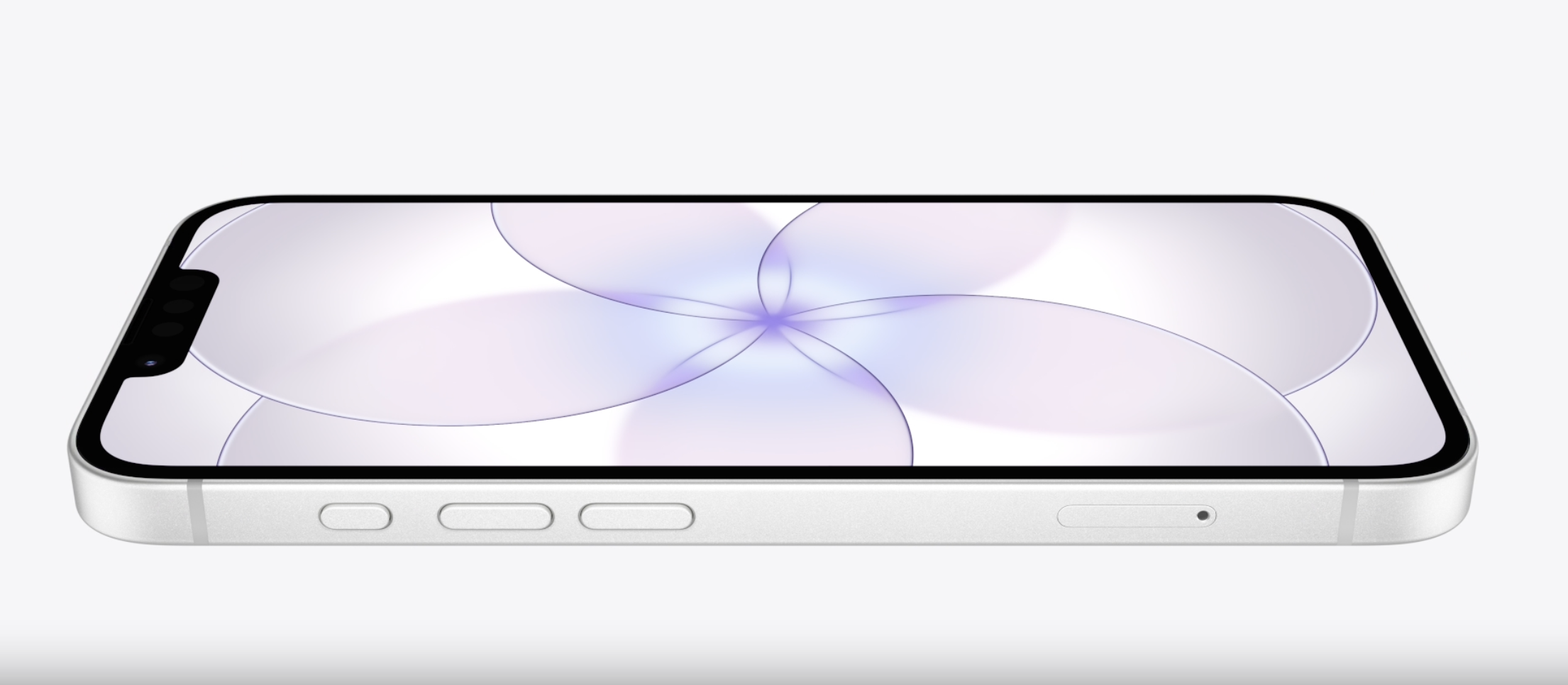
Is the iPhone Air just the 17e in a shiny suit?
Is the iPhone Air just the iPhone 17e in a shiny suit?
Well, the iPhone Air has allegedly proven to be a sales flop, and this is probably no surprise. While the thin and light titanium design is stunning, there are simply too many compromises: a single camera, lower battery life and the lack of stereo speakers among them. And then there’s the starting price: $999 no less.
And now, as of yesterday, here comes another iPhone with a single camera lens for $400 less. The iPhone Air looks really rather similar to the 17e, on paper at least.
Will you be upgrading? Do you care about always having the latest iPhone? Let us know in the comments.
Read the full story – Is the iPhone Air just the iPhone 17e in a shiny suit?
MacBook A18 Pro vs MacBook Air
The Key Differences
1. Power and performance
The A18 Pro is an iPhone chip at heart. While it is incredibly zippy for web browsing, writing, and streaming (matching the M1 in single-core speeds), it will likely struggle with sustained heavier workloads like 4K video editing. The M4 Air is built for those tasks, especially with its base 16GB of RAM, which provides much room for multitasking.
2. Hardware features – compromises
To hit that $599 price point, Apple is reportedly cutting several luxury features from the A18 Pro model:
No Backlight: You might find yourself squinting at the keys in the dark.
Ports: Expect standard USB-C ports without the high-speed data transfer of Thunderbolt.
The notchless Screen: Rumours suggest a slightly thicker bezel to accommodate the camera without the notch, but at a lower peak brightness.
3. Battery life
Because the A18 Pro is designed for the thermal constraints of an iPhone, it is incredibly power-efficient. In a laptop chassis with a much larger battery, rumours suggest this could be the longest-lasting MacBook ever, potentially hitting 24 hours of real-world use.
The verdict
Choose the MacBook A18 Pro if you are a student, a writer, or prefer to work in the cloud, someone who wants a light, colourful, and affordable Mac that lasts two days on a single charge.
Choose the M4 MacBook Air if you are a creative professional, a heavy multitasker, or someone who needs the longevity of 16GB+ RAM and a high-quality display for photo/video work.
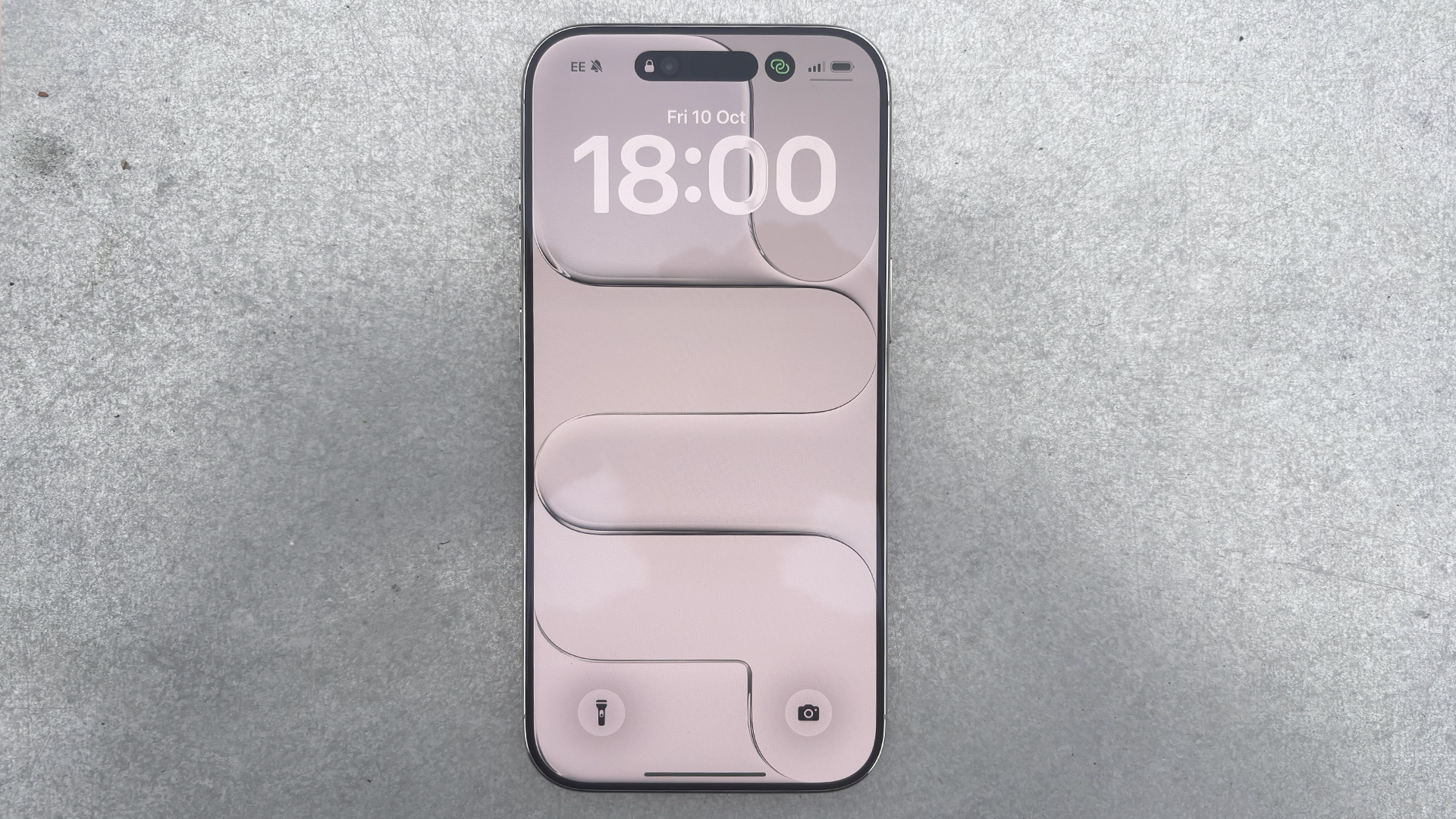
iPad Air M4 vs (rumoured) iPad 12
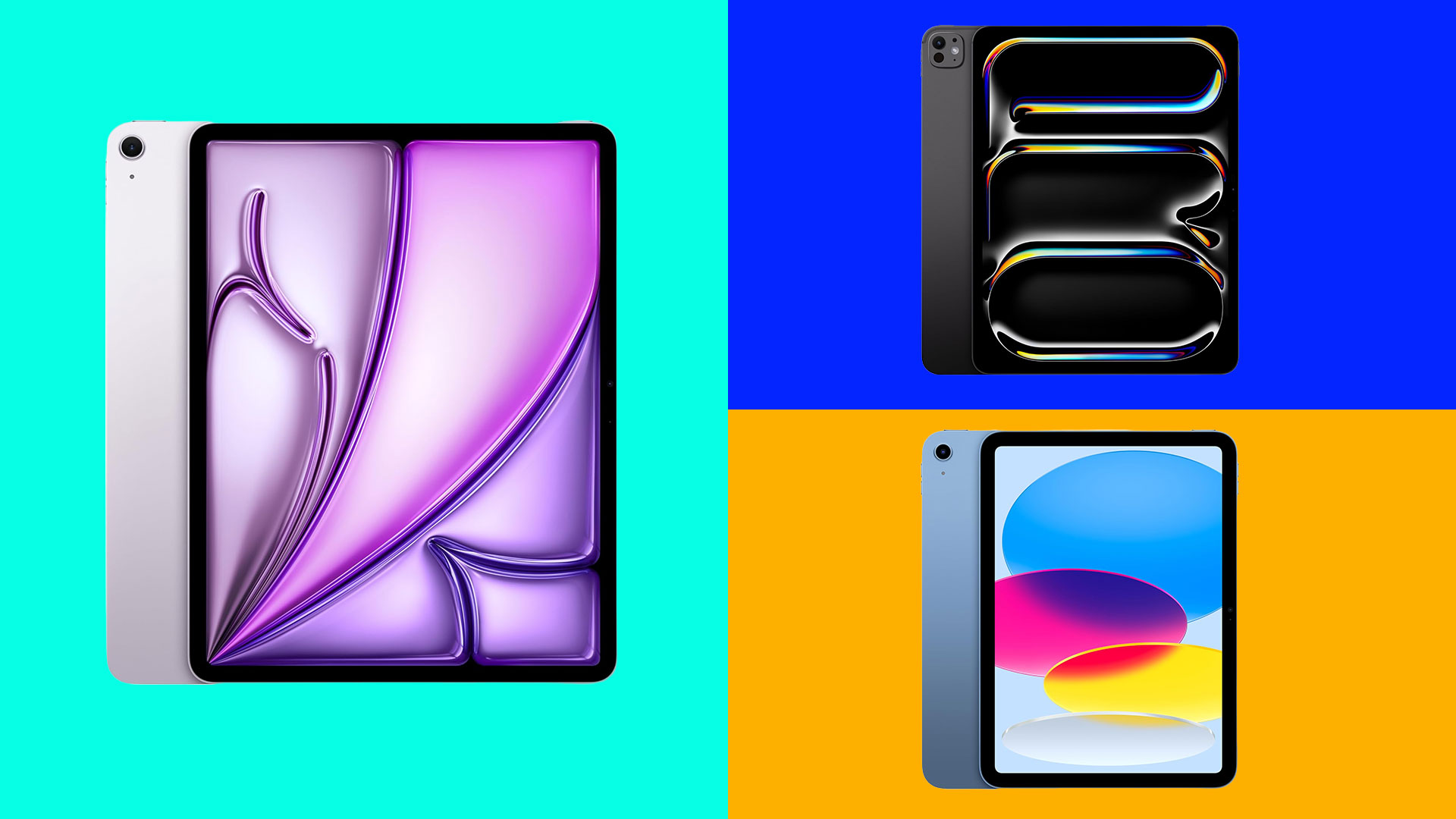
Key Takeaways: Which one is for you?
1. Consider how important Apple Intelligence is for you
The biggest news for the iPad 12 is the potential jump to 8GB of RAM. This is the ‘magic number’ required for Apple Intelligence. If you just want a tablet that can handle the new Siri, Image Wand, and Writing Tools without spending $600, the iPad 12 is your winner.
2. Performance and longevity
The M4 Air is roughly 30% faster than the previous M3 and significantly more powerful than the expected A18/A19 in the iPad 12. With 12GB of RAM, the Air is built for heavy multitasking and professional creative apps. The iPad 12 could be a powerhouse for its price, but the Air is a true computer replacement.
3. Design: display & build
This is where the $250 difference shows. The iPad 12 is expected to still use a non-laminated display (there is a tiny air gap between the glass and the screen). The iPad Air’s display is laminated with an anti-reflective coating and supports P3 Wide Color, making it much better for artists and outdoor use
4. Professional accessories
If you want to use the Apple Pencil Pro (with squeeze gestures and haptic feedback) or the Magic Keyboard with the trackpad, you must get the Air. The iPad 12 will likely be restricted to the standard USB-C Apple Pencil. This is a biggie for creatives.
The Verdict: If you are a student or a casual user who just wants the new AI features, consider the iPad 12. If you plan on drawing, editing video, or using your iPad as a laptop, the M4 Air’s 12GB of RAM makes it the better long-term investment.
But, of course, all this is based on rumour and speculation so you’ll have to wait to see the final specs to make an informed decision.
iPad 12
I haven’t talked much about the iPad 12 in this blog, even though it has been quite some time since the iPad 11 was released. Added to that, the iPad 11 was a relatively small update from the trailblazing iPad 10 (that model redefined what the basic iPad could do, as you’ll see from our review), and all this means that big things are expected from the new model – which could be announced today.
- Processor: The big debate is between the A18 (from iPhone 16) or the A19 (from the new iPhone 17). Either choice would provide a 30-50% performance boost over the current A16.
- RAM: This is the most certain rumour. It is expected to jump from 6GB to 8GB of RAM –the mandatory minimum for Apple Intelligence.
- AI Integration: The iPad 12 will likely be the first budget iPad to support the full suite of Apple Intelligence (Siri 2.0, Image Wand, and Writing Tools).
- Connectivity: Rumors suggest it will adopt the N1 chip, bringing Wi-Fi 7 and Bluetooth 6.0 to the entry-level lineup for the first time.
- Display: It will likely retain the 11-inch Liquid Retina LCD. To keep the price low, Apple is expected to stick with a non-laminated display (which makes repairs cheaper for schools and parents).
- Colours: Expect a refreshed palette of vibrant colours to match the spring collection (rumours mention Bright Guava and Electric Lavender).
This iPad is expected to stick at $349, making it the most powerful tablet at that price point by a significant margin. By putting a 2026 flagship chip (A19) in a $349 device, Apple essentially makes the iPad 12 future-proof for the next 5–7 years of software updates.
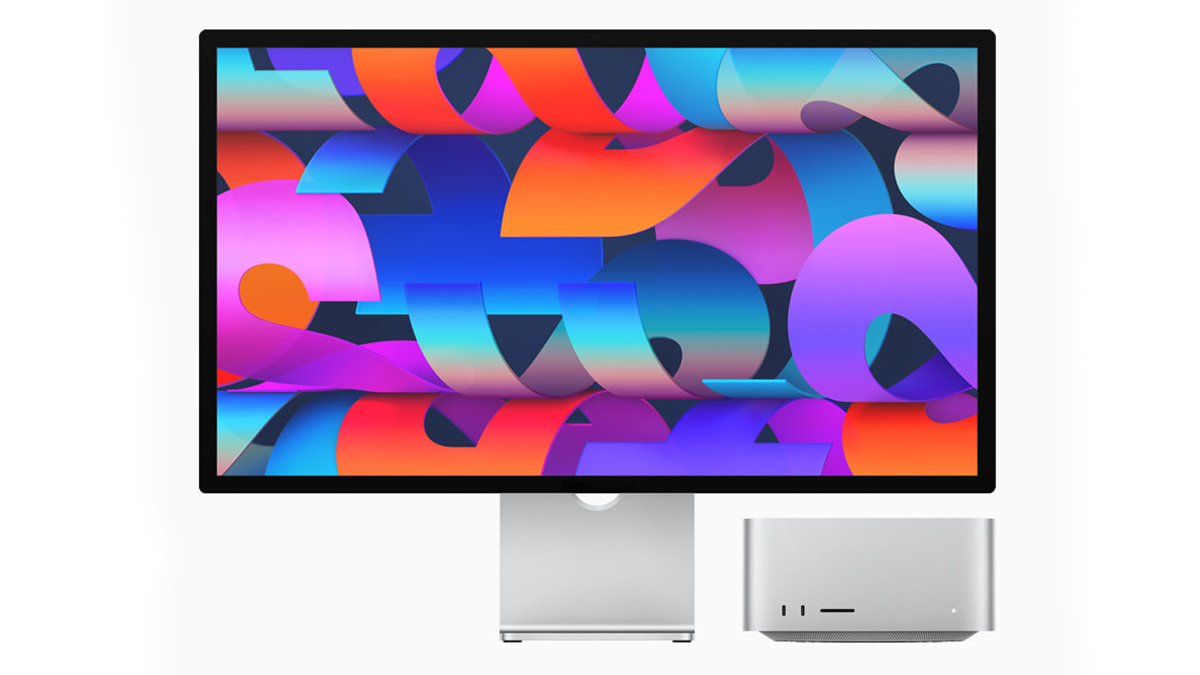
The rumoured Studio Display 2
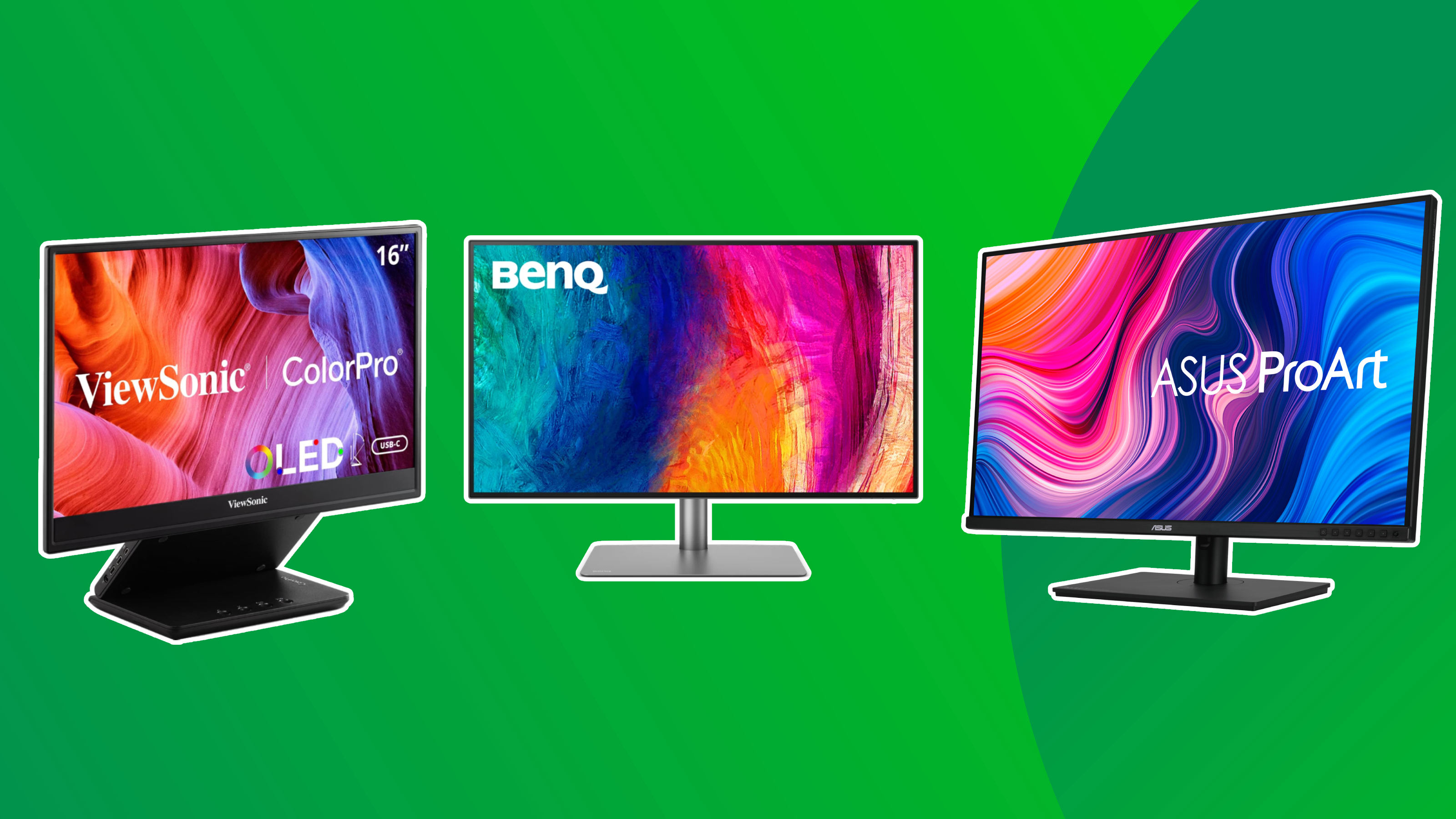
The sleeper hit of the new announcements could be the Studio Display 2. While this isn’t the sparkliest headline news, it is one of the most urgent updates needed in the Apple ecosystem. The Studio Display falls far behind its competitors – it doesn’t appear in any of our monitor guides because the ASUS and BenQ tech (among others) is so much better than the Studio Display – especially for creatives.
Why it’s a game-changer for creatives
For designers and editors, the original Studio Display’s biggest flaw was its 60Hz limit and lack of HDR. The refresh is expected to solve both. With a move to Mini-LED backlighting, photographers and colourists will finally get the deep blacks and high contrast ratios required for modern HDR workflows – features currently reserved for the $5,000 Pro Display XDR or the MacBook Pro’s built-in screen.
- Panel: 27-inch 5K Mini-LED (offering true blacks and 1,000+ nits HDR).
- Refresh Rate: 120Hz ProMotion (a massive jump from the current 60Hz).
- Intelligence: A19 chip inside for improved 12MP Center Stage camera processing.
- Audio: Upgraded six-speaker system with enhanced Spatial Audio.
- Ports: Inclusion of at least one Thunderbolt 5 port for high-bandwidth daisy-chaining.
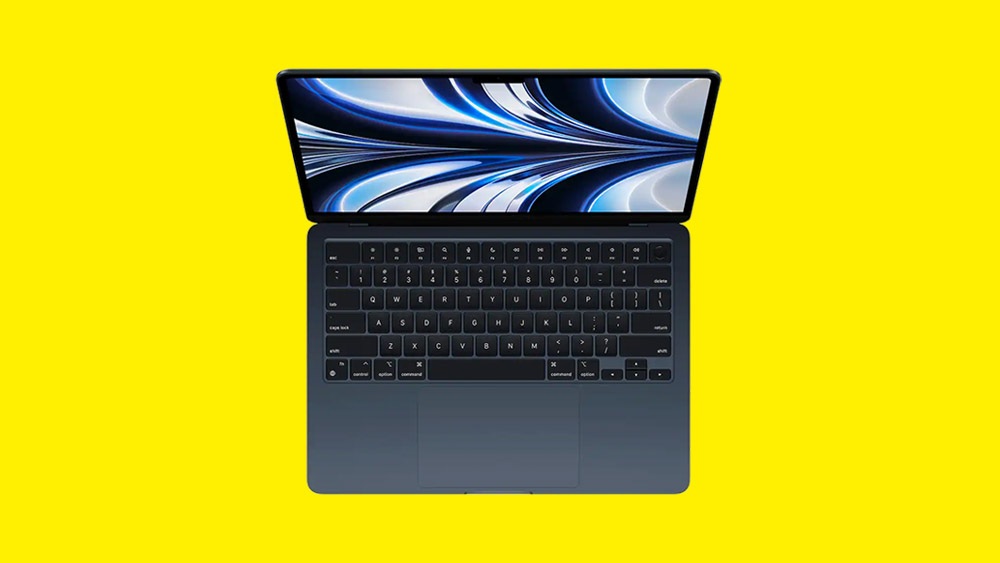
Compromises: MacBook A18 Pro
MediaTek Networking: Instead of Apple’s custom N1 chip (Wi-Fi 7), it may use a standard MediaTek Wi-Fi 6 solution to save on licensing.
MacBook A18 Pro rumours dissected
The creativity gap: A Chromebook is essentially a portal to the web. This MacBook would run full macOS. For a student, that’s the difference between using a web-based editor and running the actual Adobe Creative Cloud or Final Cut Pro.
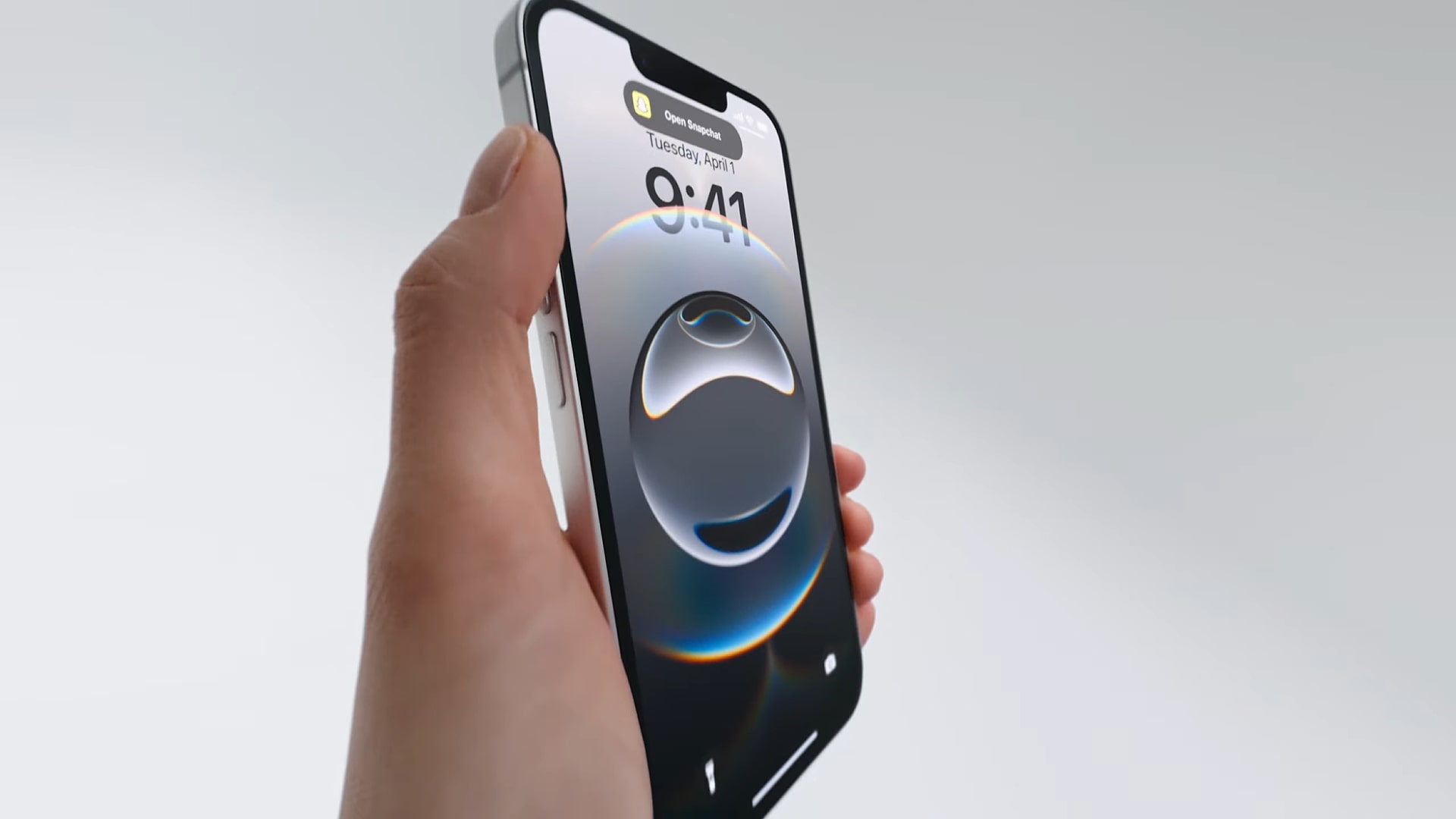
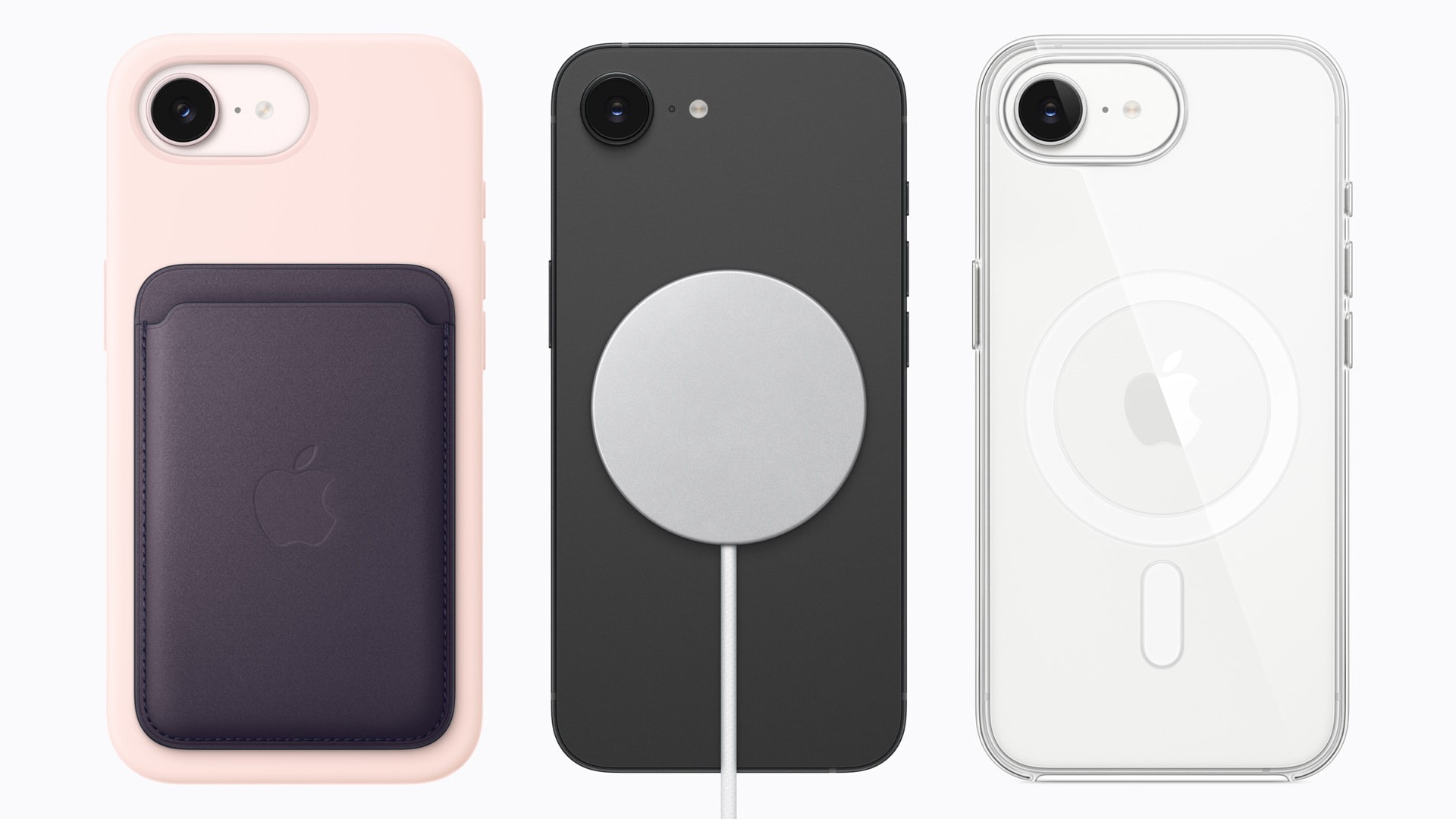
While the iPhone 17e might not carry the same clout as the 17, one thing’s for sure – it’s a massive improvement on the disappointing 16e. The addition of MagSafe is worth the upgrade alone, and the doubled base storage (now 256GB) is certainly nice to have.
So what about the MacBook Pro M5 Pro and MacBook M5 Pro Max?
We’ve been waiting for the bigger versions of the newest, most powerful MacBook since the 14-inch model dropped last year. We loved it in our review – and it narrowly missed replacing the top laptop in many of our guides because of the smaller screen. So we’re expecting it to fly right to the top of our creative laptop guides when the bigger screens release.
- CPU: Expect a 15-25% increase in multi-core performance over the M4 generation.
- GPU: This is where the M5 Max is expected to shine. Rumours suggest up to a 30-45% leap in graphics performance, with a new Neural Accelerator integrated into each GPU core to supercharge AI-based creative workloads.
- Memory: The M5 Pro is rumoured to start with a minimum of 24GB or 48GB of RAM, while the M5 Max could support configurations exceeding 128GB.
Connectivity:
- Wi-Fi 7: Unlike the base M5 models, the 16-inch Pro and Max variants are expected to feature the N1 chip (borrowed from the iPhone 17 series), bringing native Wi-Fi 7 and Bluetooth 6 support.
- Thunderbolt 5: The 16-inch model will maintain Thunderbolt 5 ports for massive data throughput (up to 120Gbps).
- Design: Don’t expect a visual change today. The chassis is expected to remain identical to the current M4 models. The big redesign – featuring OLED displays and touchscreens – is currently rumoured for the M6 generation in late 2026 or 2027.
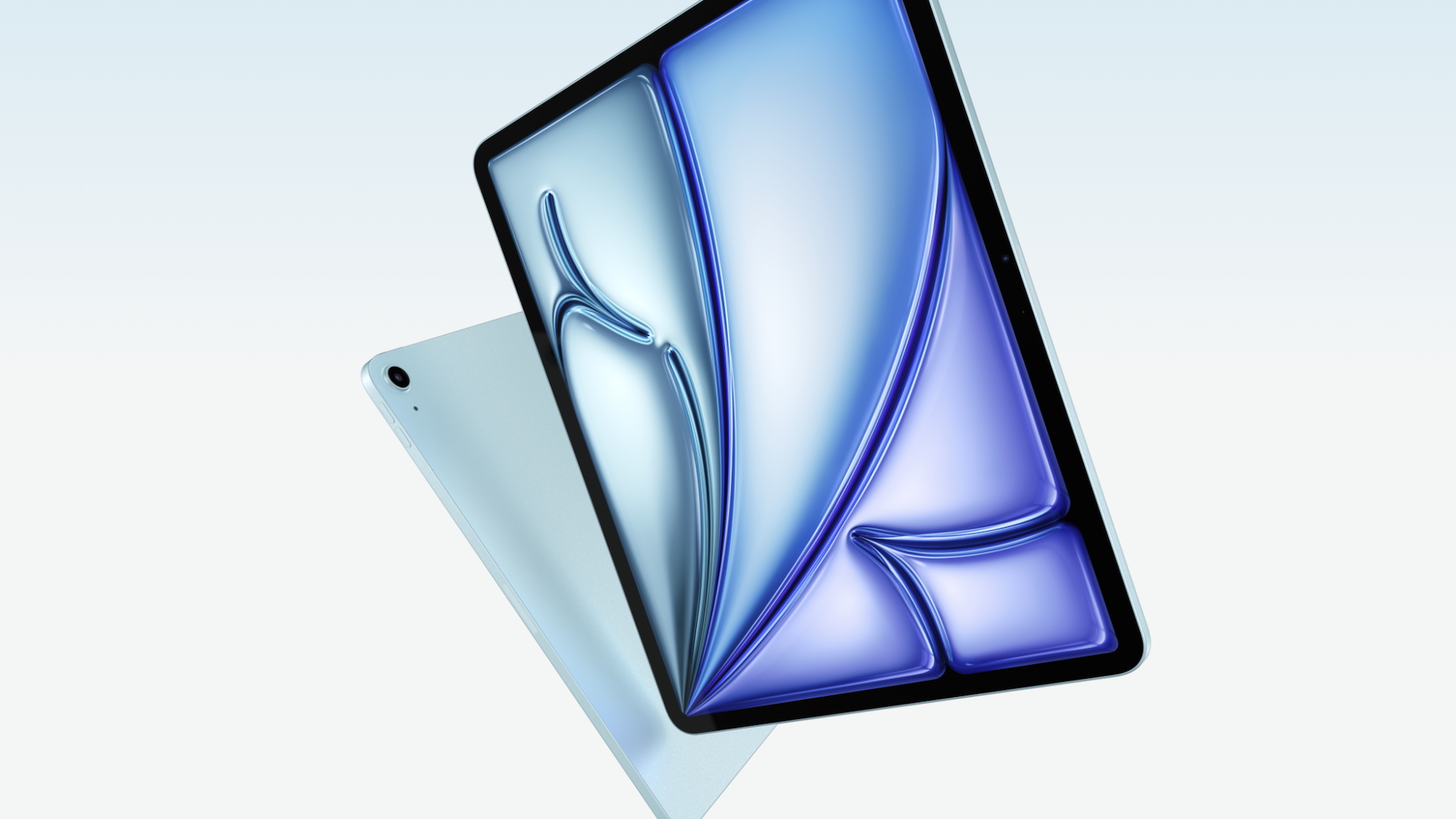
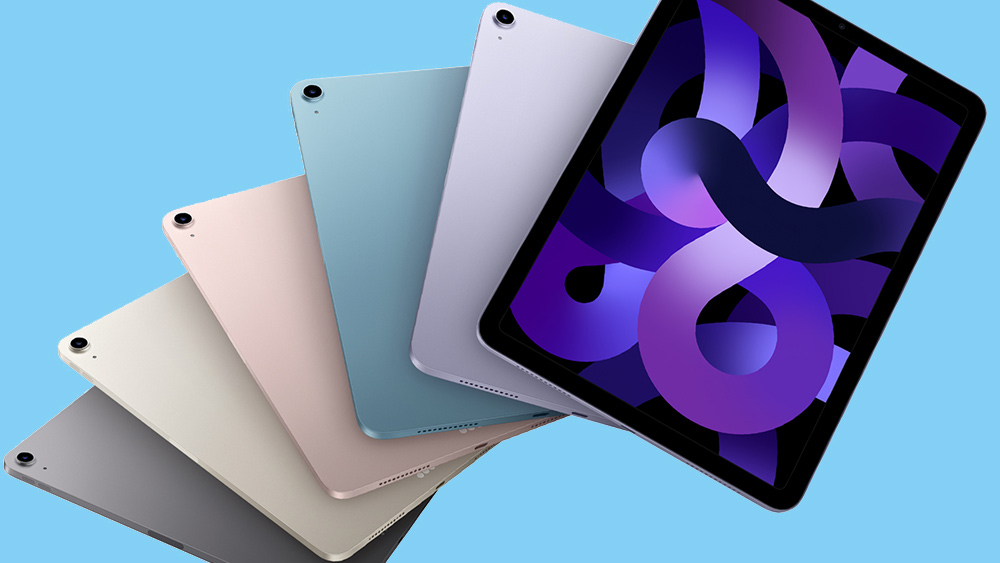
A quick side note – another let down, and slightly weird branding move from Apple on the new iPad Airs is that the wallpaper hasn’t changed. It sounds like a small thing, but given Apple is being criticised for boring iterative updates to its main lines, you’d think they’d try to make the new models look a bit more exciting in any way that they can – and wallpapers would be a good way of doing that.
MacBook A18 Pro rumours
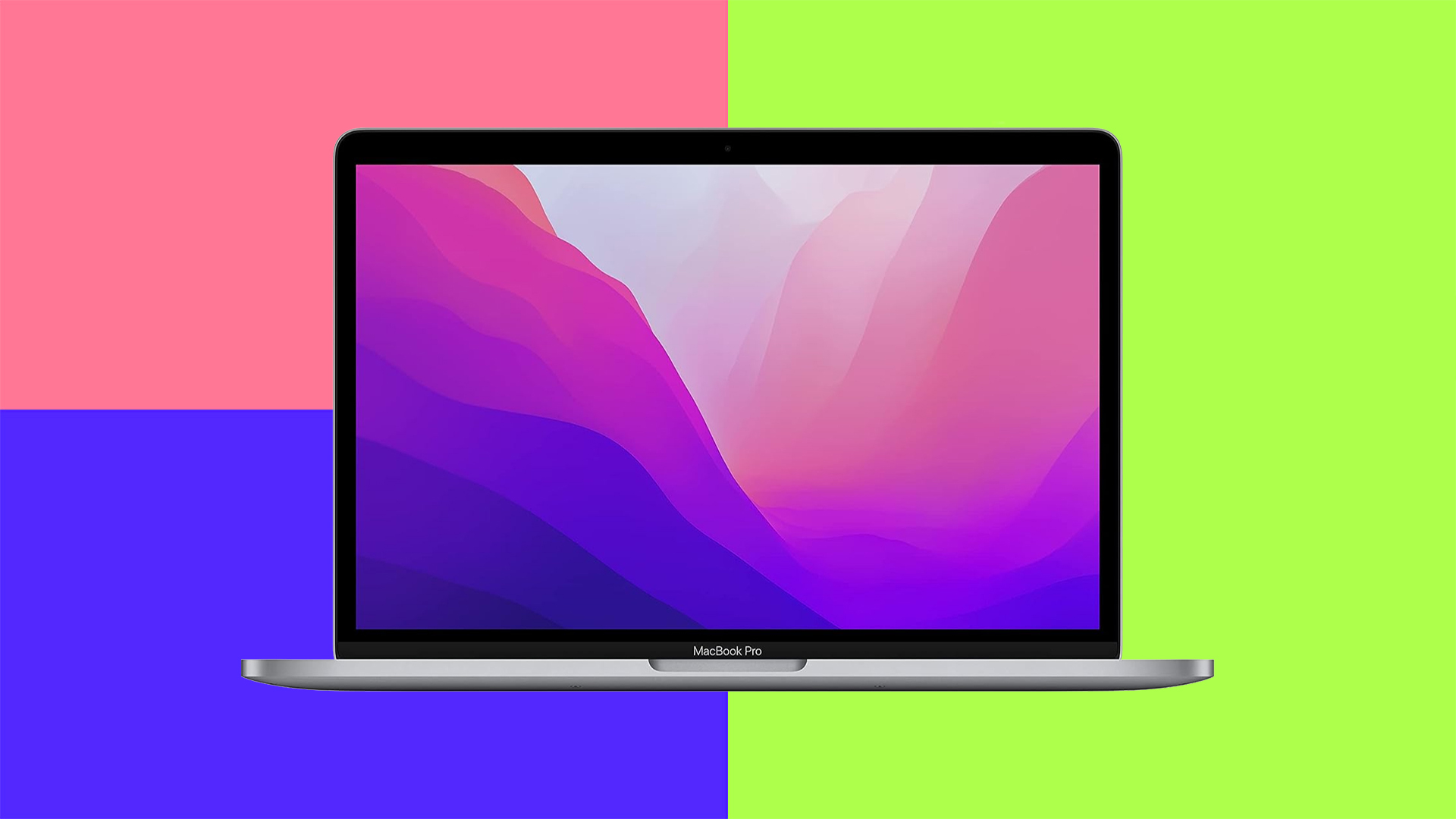
The most exciting rumour for me is the MacBook A18 Pro. An Apple ‘Chromebook’ would be a welcome and innovative addition to the MacBook lineup – and if Apple is trying to target content creators on the move then this is the way to do it. Brands like ASUS are ahead of the game with this (sometimes in quite weird ways – like this smelly laptop), and so far the MacBook Air is as close to that goal as Apple has been.
DAY TWO
Hello! Welcome to Day 2 of our Apple March event live blog. As discussed above we’ve seen the (sort-of) affordable iPhone 17e, and the M4 iPad Air so far. Though we have mixed opinions on these products, the iPhone 17e is offering something new – building on the 16e by offering double storage, MagSafe and an improved camera.
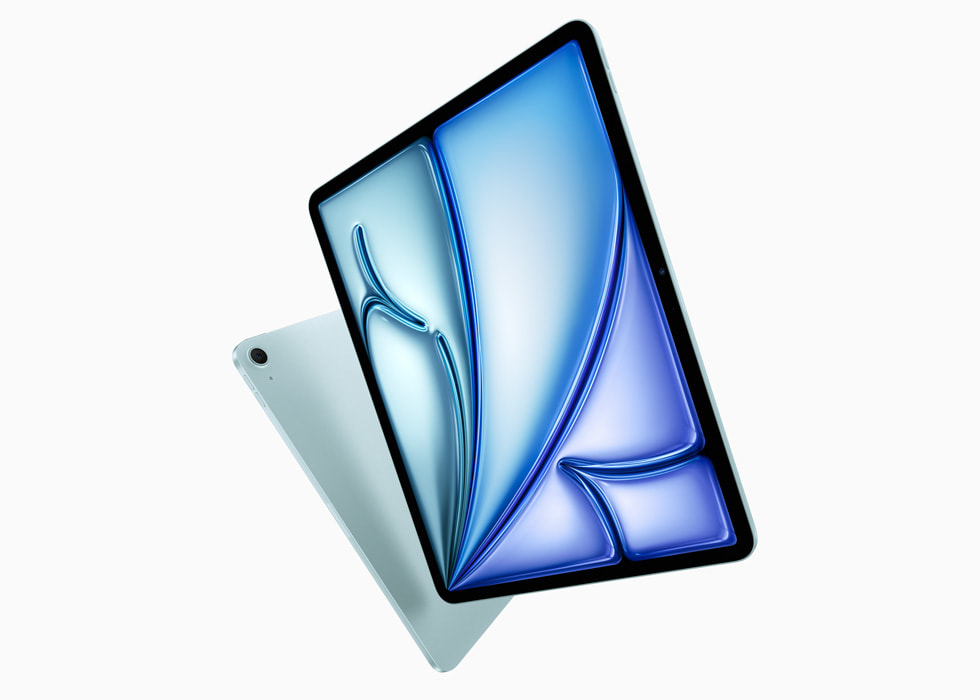
The iPad with an M4 chip isn’t surprising – and actually the design hasn’t changed at all. The M4 chip gives it a 30% speed boost, which could be appreciated by some creatives.
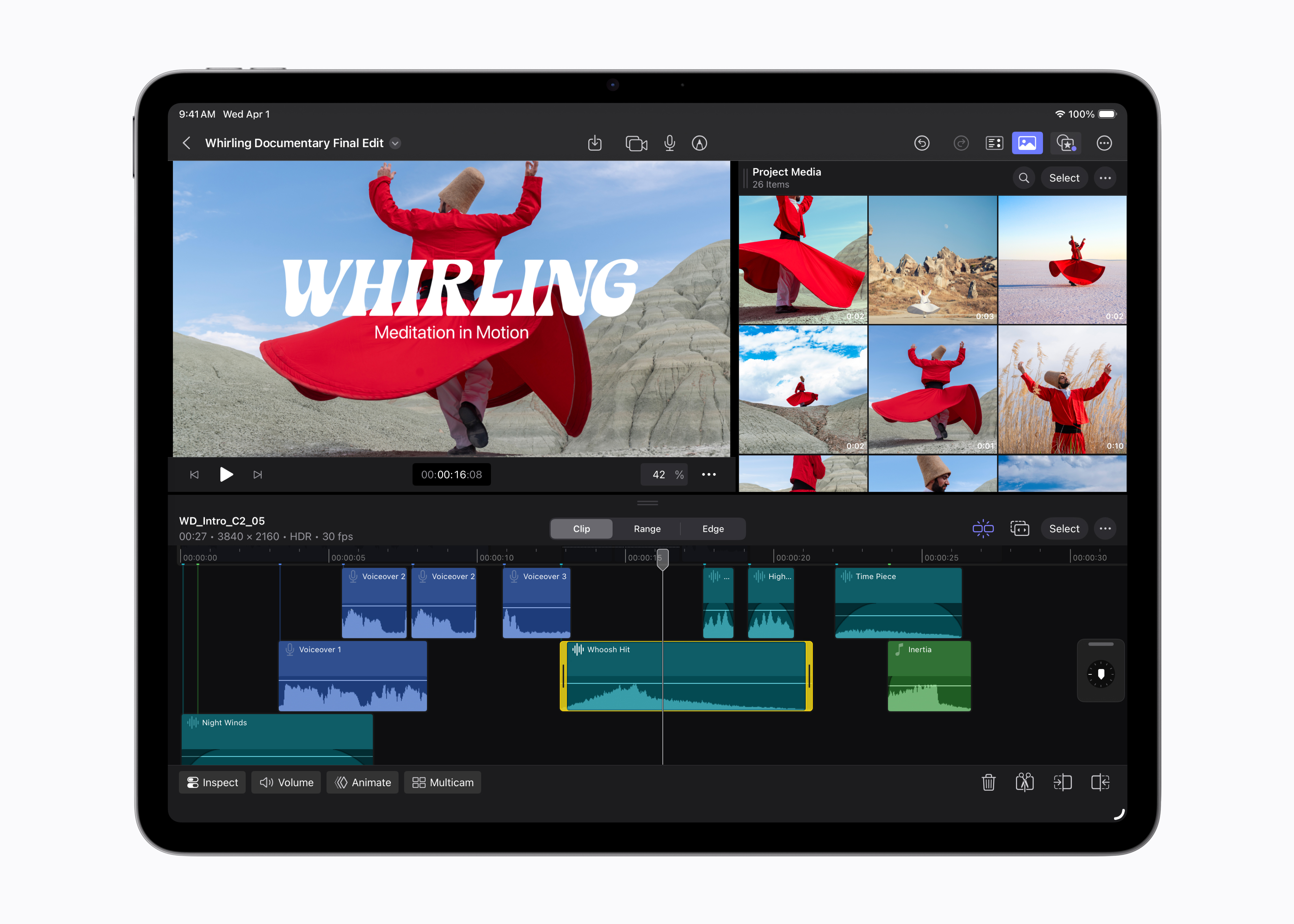
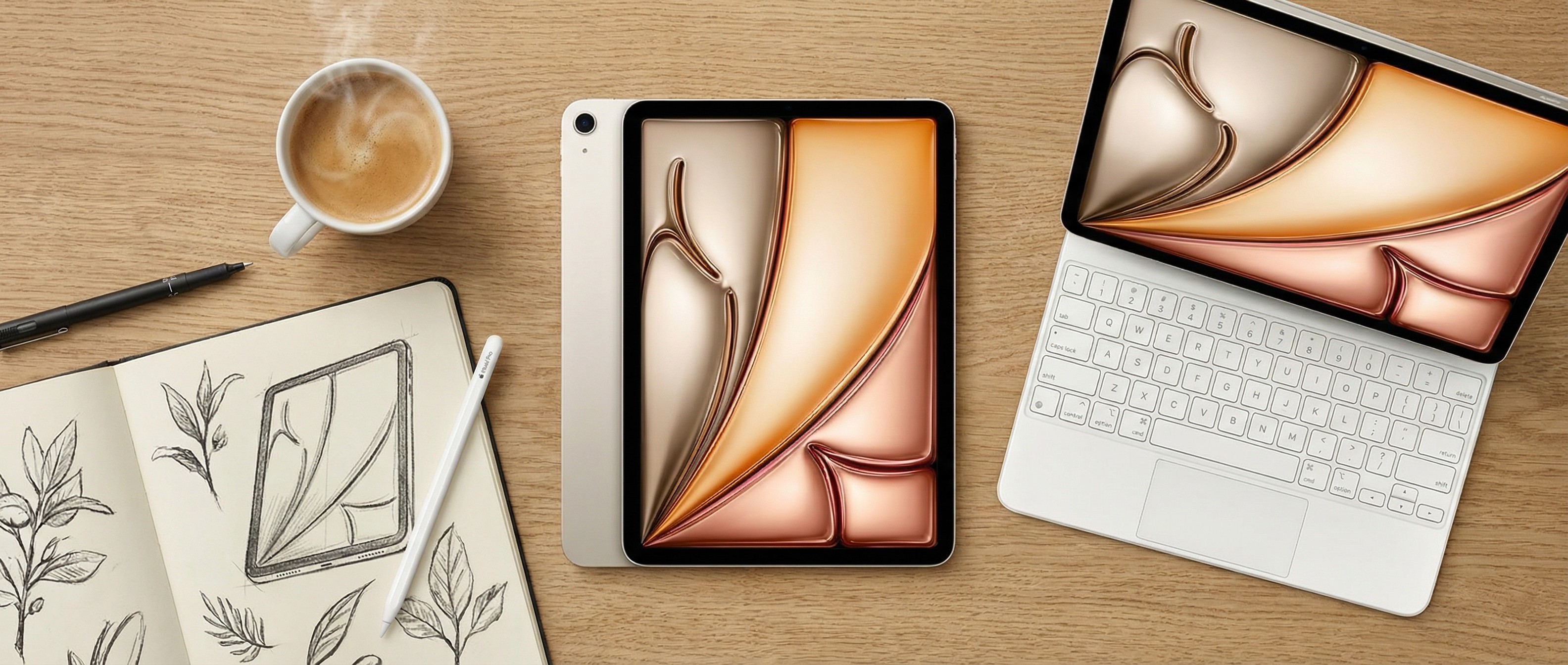
In case you’re weighing up your options, the iPad Air M3 is currently at its lowest ever price – along with some very good offers on the Apple Pencil Pro and Magic Keyboard. This is the setup I’d currently recommend over waiting for the new M4 model – especially at this price point.
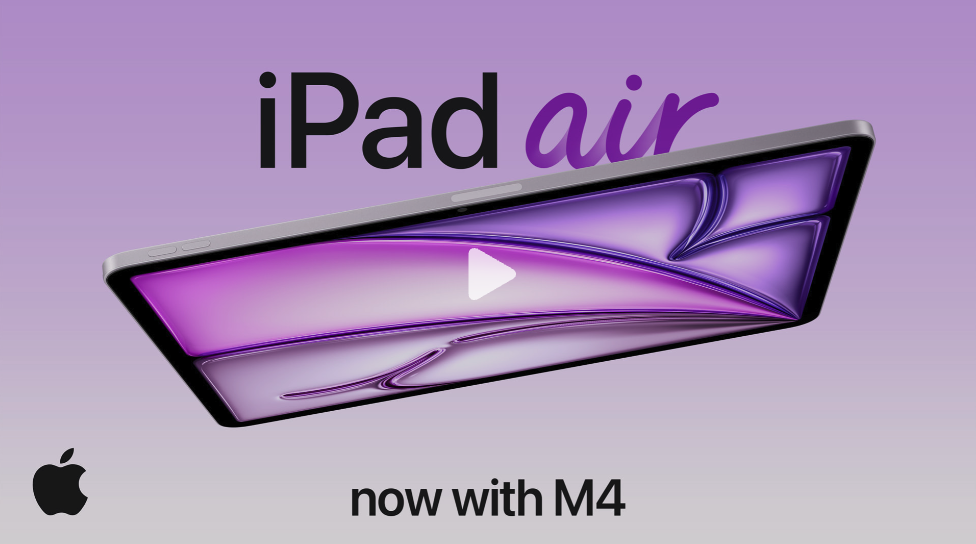
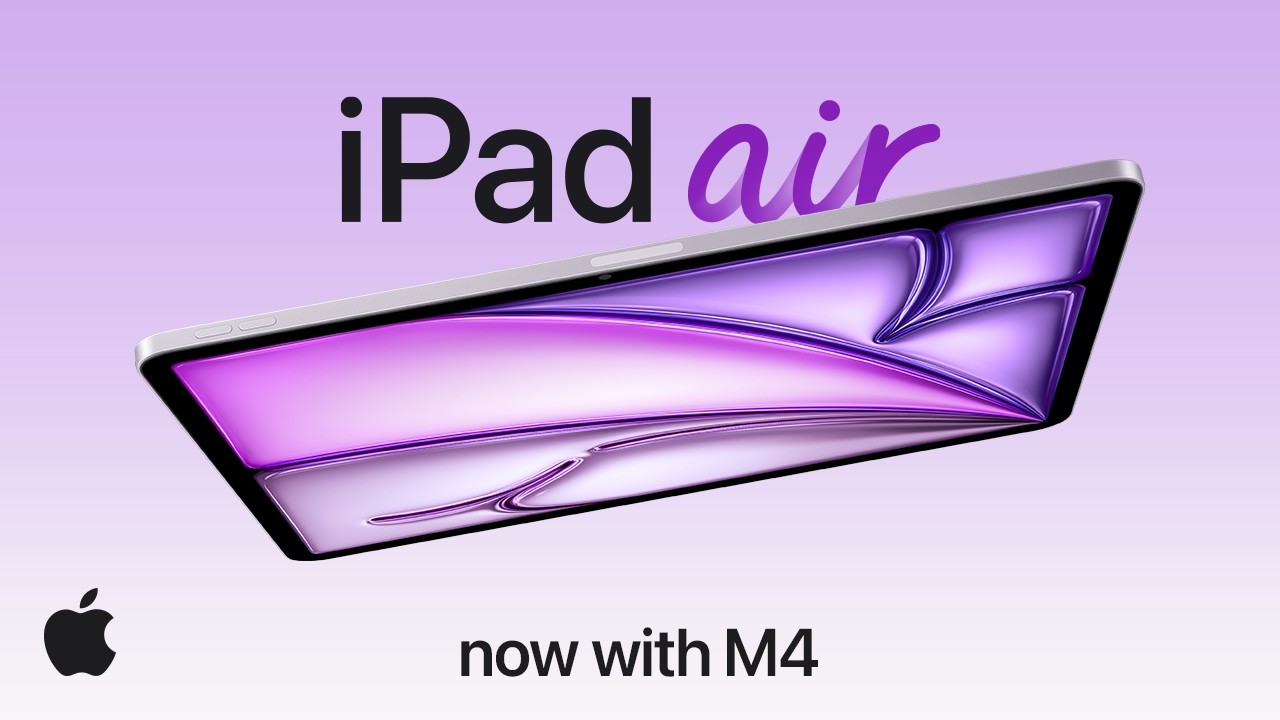
And here’s the promo video for the iPad Air M4:
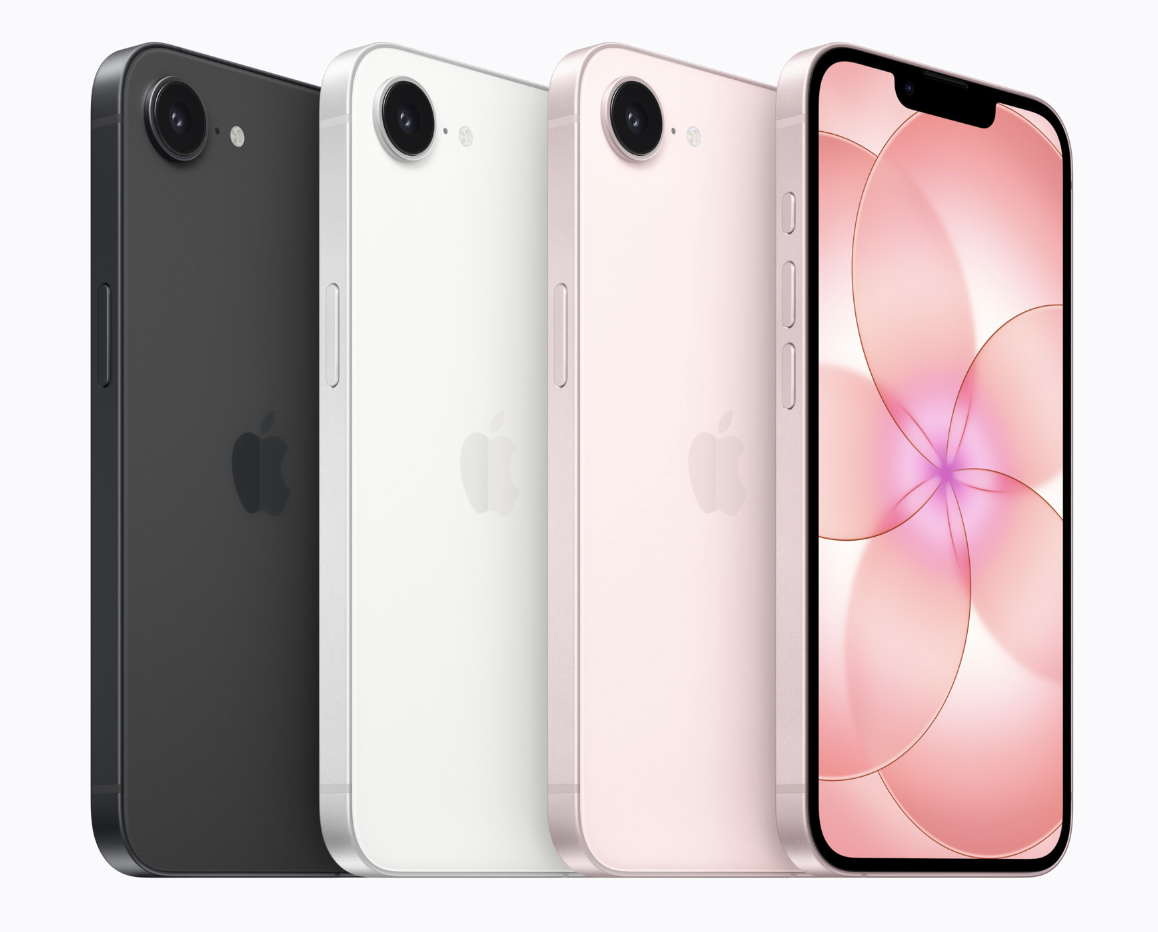
Apple has just released promo videos for both products announced today. First up, here’s the ad for the iPhone 17e:
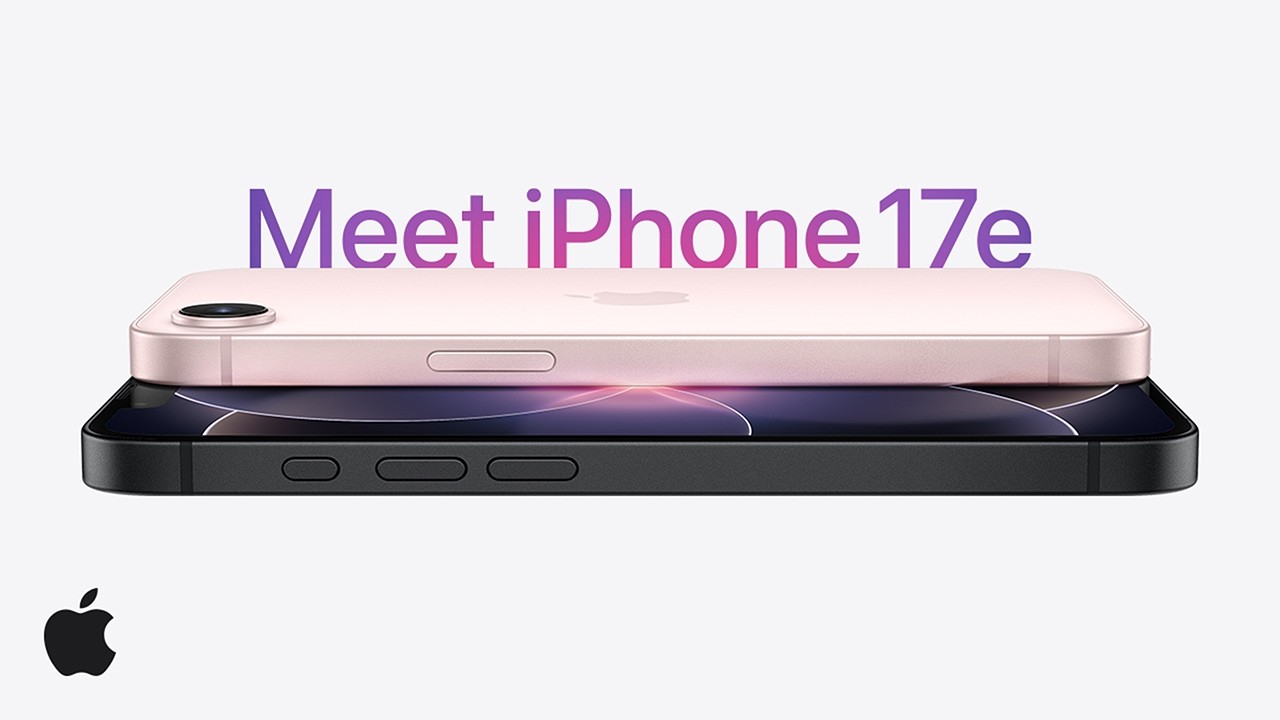

It’s hard not to feel a little disappointed by the iPad Air M4. Sure, it’s speedier and more powerful, but have we ever seen such an incremental product update from Apple? Not only has it kept the same design and colours, but even the wallpapers are the same last time. The wallpapers!
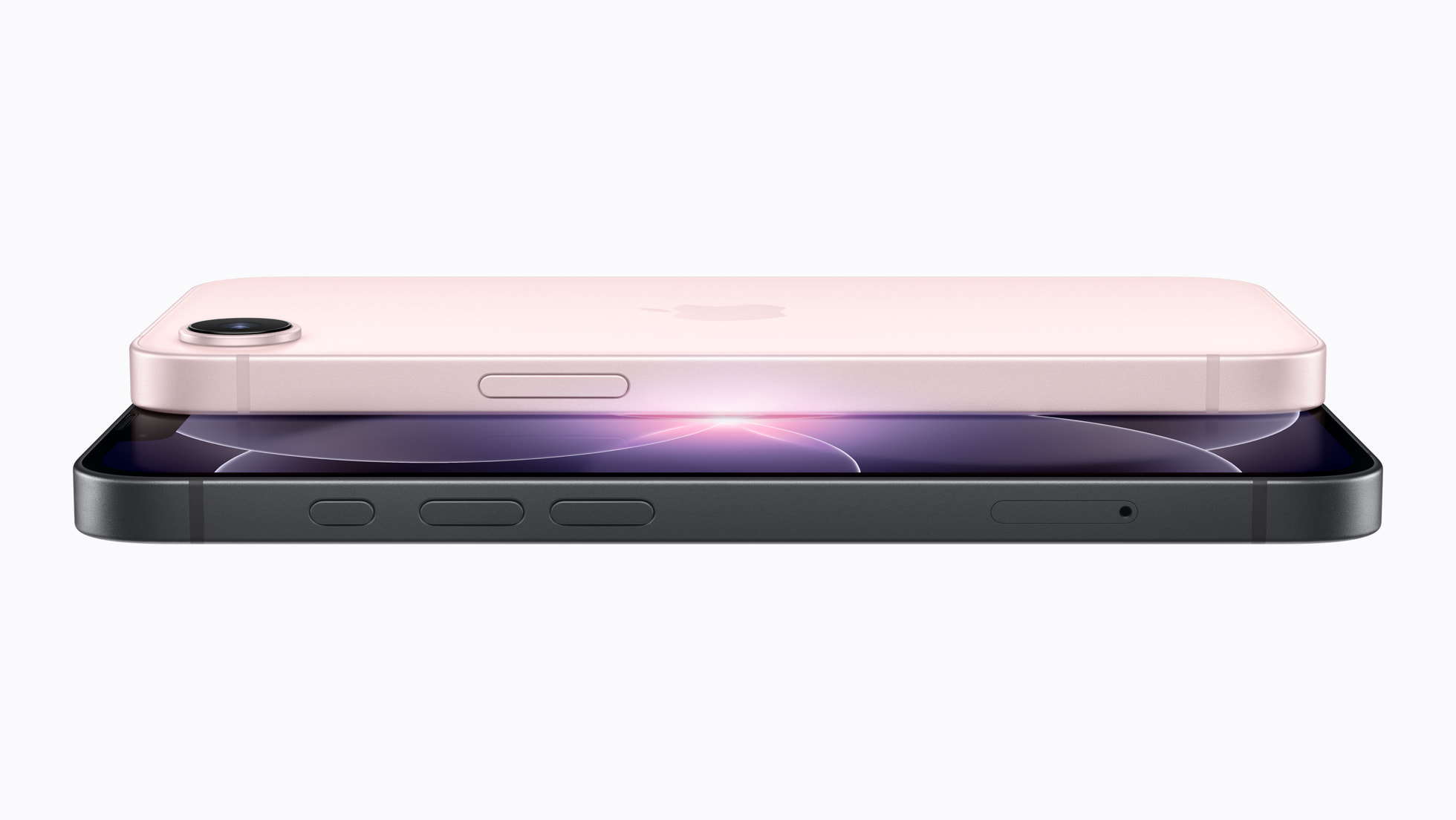
Now then. Design Editor Dan here taking over from Rosie for a while. As expected, Apple has announced the iPhone 17e, the latest iteration of its budget (if you can call $600 ‘budget’) iPhone. But strangely enough, it’s tempting me towards a different iPhone entirely.
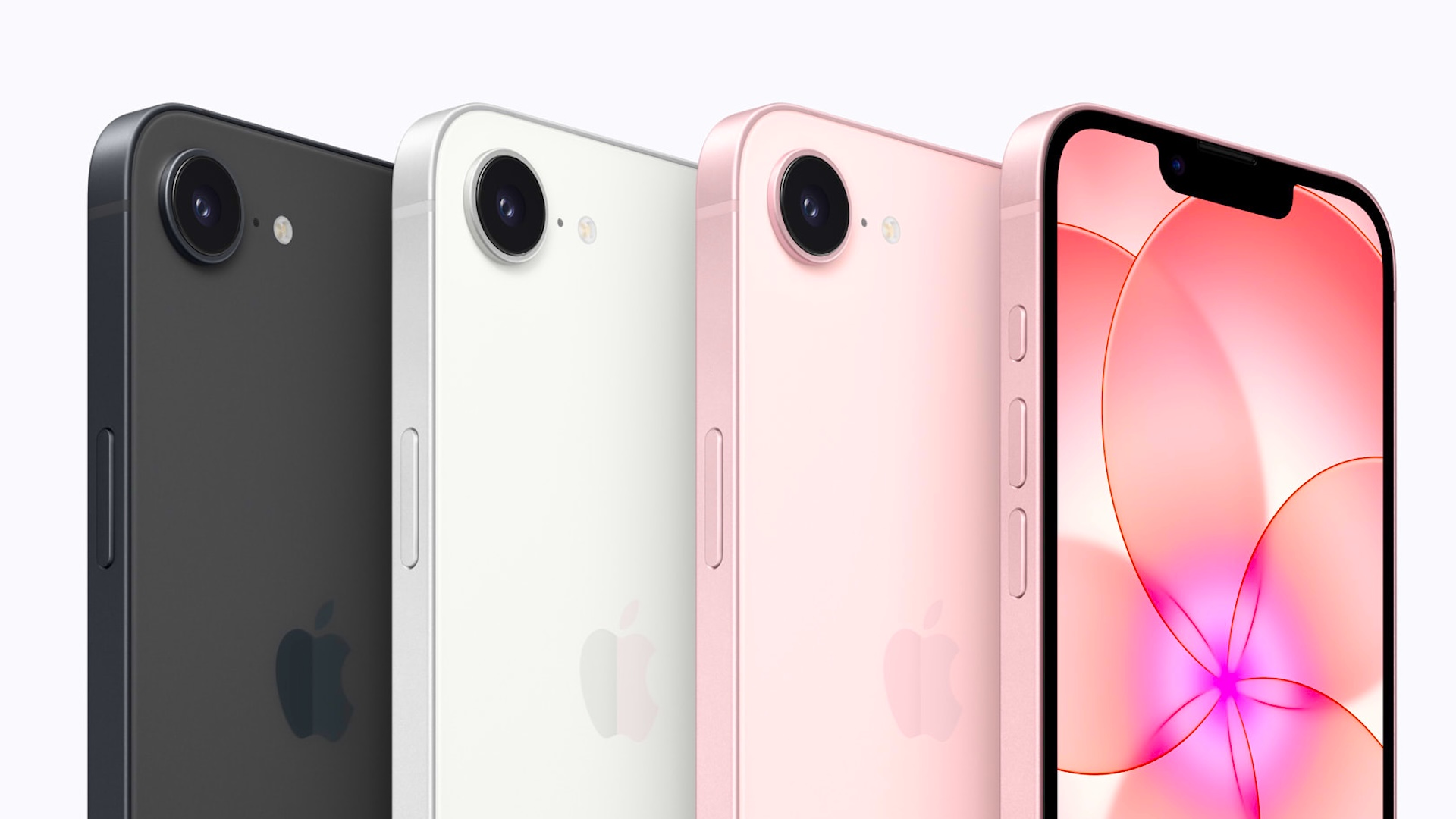
Is the new iPhone 17e as good as it sounds? Well, MacWorld doesn’t seem to think so. It points out that MagSafe charging is actually 15W, which is less power than the iPhone 17 or 17 Pro/Max. And is apparently using ‘binned’ A19 chips, which means they have failed manufacturing tests and don’t have the full complement of cores. Don’t panic though, MacWorld says they will have failed the tests in some very minor way, and most people won’t notice the difference.
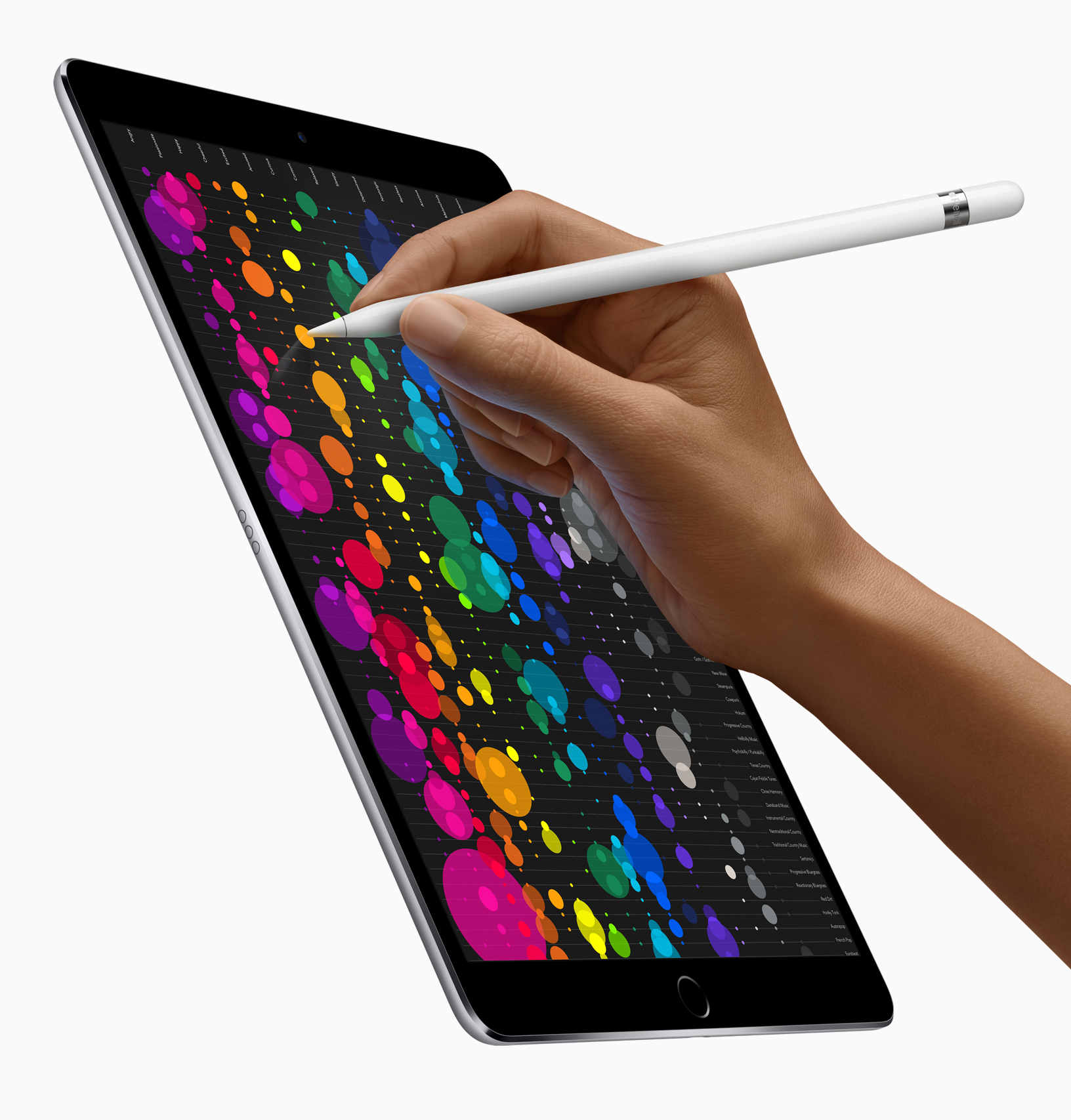
Let’s take a closer look at the new iPad Air M4 that’s just been released. Apple says it is 30 per cent faster than the previous iPad Air (M3), and up to 2.3 times faster than the iPad Air with the M1 chip.
But who really needs this much speed? It kind of depends where you’re coming from to be honest, if you have the previous iPad Air you probably don’t need something that’s 30 per cent faster, but if you’re working with an M1 iPad Air or an even older version, then you’ll probably notice the difference.
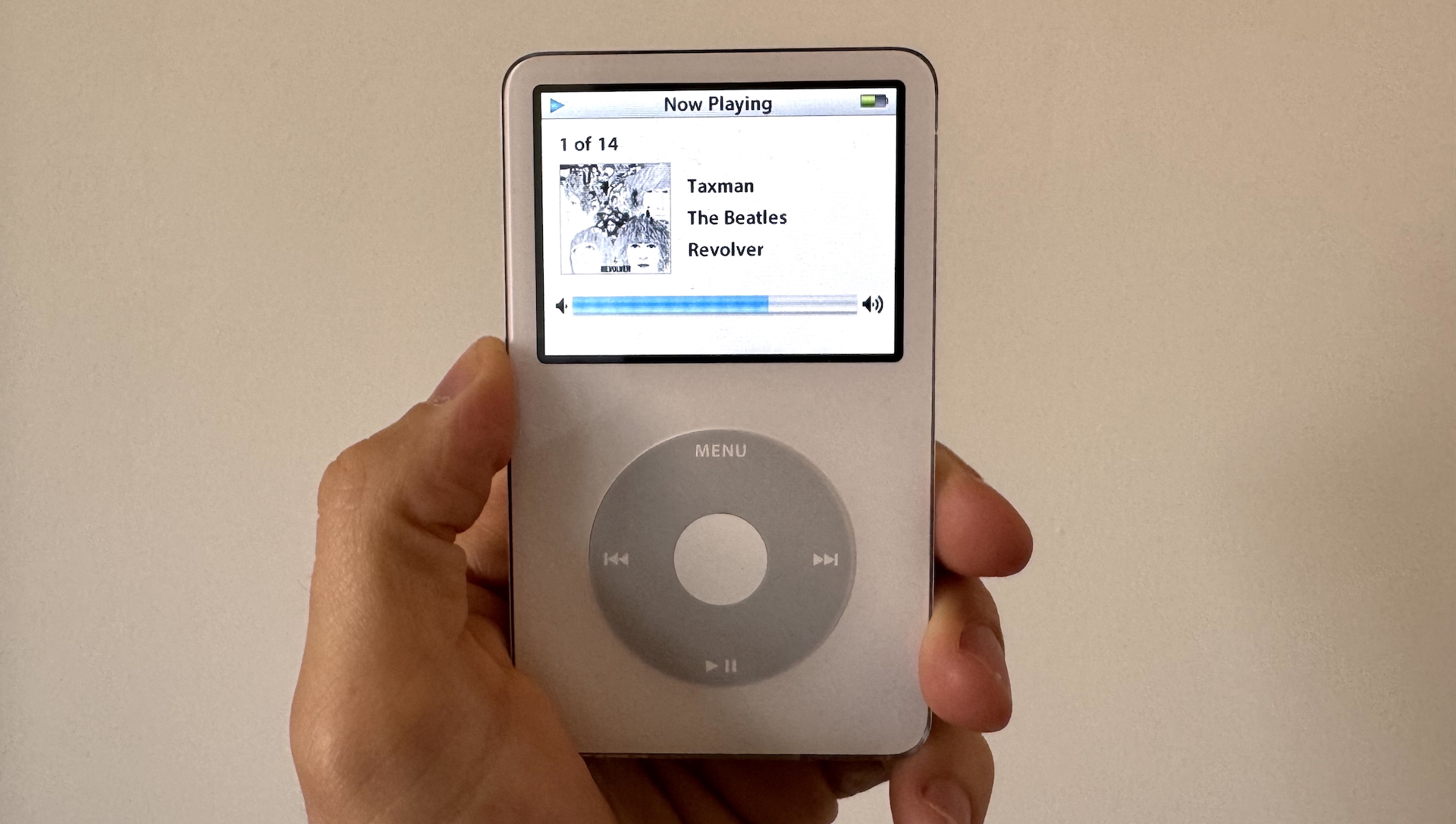
What’s on my absolute dream list? Well… it’s the iPod of course. Bring back the iPod! In my dream world, the iPod works with a variety of streaming platforms but is more of an offline experience than simply playing music on your phone. Perhaps you could curate your favourite albums and only have access to a smaller number of them at a time, to make it more like the old days. Maybe? I can but dream.
Hello there! It’s Rosie Hilder taking over for a short while while Georgia takes a well-earned break. I’ve been writing about Apple since I worked on Mac|Life in 2018, and am a huge Apple fan. I haven’t been wowed by the latest announcements so far today but here’s hoping there’s something more exciting coming up tomorrow.

Rosie Hilder is Creative Bloq’s Deputy Editor. After beginning her career in journalism in Argentina – where she worked as Deputy Editor of Time Out Buenos Aires – she moved back to the UK and joined Future Plc in 2016. Since then, she’s worked as Operations Editor on magazines including Computer Arts, 3D World and Paint & Draw and Mac|Life. In 2018, she joined Creative Bloq, where she now assists with the daily management of the site, including growing the site’s reach, getting involved in events, such as judging the Brand Impact Awards, and helping make sure our content serves the reader as best it can.
I assume that’s the only announcement for today (though I could be surprised). So what could happen tomorrow?
My instinct is we’ll get another product pairing – maybe the MacBook A18 Pro paired with the new iPad 11. Or the Studio Display 2 with the new Macbook Pro M5 Pro/M5 Pro Max. Where will the predicted MacBook Air M5 fit in?
But until then – watch this video all about the new iPad Air with an M4 chip.
One thing to note with that wished-for MagSafe is that its power is far below that of the flagship range. As MacWorld notes, that 15w of power vs the 25w of the 17 and 17 Pro/Max means charging will be slower.
It is harder to find an excited response to the iPad Air on the internet. What do you think? Do you eagerly wait for the yearly Apple upgrade? Did the iPad Air need an M4 chip? Tell me in the comments.
One notable omission from the actual 17e vs some of the predictions is the retention of the controversial notch. It would have looked so much better with the dynamic island in place, but I guess the storage bump takes the place of that upgrade.
When can you buy the iPhone 17e and the iPad Air M4?
- Pre-orders: Begin this Wednesday, March 4, 2026.
- Official Availability: In-store and shipping starts next Wednesday, March 11, 2026.
Pricing and storage:
- iPhone 17e: Starts at $599 (Now with 256GB base storage).
- iPad Air M4 (11-inch): Starts at $599 (Now with 12GB RAM).
- iPad Air M4 (13-inch): Starts at $799.
This rollout coincides with the “Apple Experience” media events scheduled for March 4th in New York, London, and Shanghai, where we expect to see hands-on demos of these devices alongside the rumoured new MacBooks.
For most creatives, the iPad Air was already a brilliant option – with its super smooth speeds, glorious screen and sleek design suiting the workflows of most. And this update will only make it better. Compared to the Pro it’s actually a great option if your tasks aren’t supercharged.
You use standard software: For 90% of creative tasks Photoshop, Procreate, and LumaFusion – the M4 is more than enough power.
You need a premium display: Once you see the Tandem OLED and 120Hz ProMotion, it’s very hard to go back to the Air’s 60Hz LCD. If you colour grade or draw professionally, the ink-blacks are worth the premium.
iPad M4 confirmed!
And the iPad M4 as well! This is a powerhouse update that brings Pro-level performance to the mid-range. While the design remains familiar (it is our favourite iPad for most creatives, and tops many of our guides) the internals have seen a significant glow up to keep pace with Apple’s AI-forward plans – which can only be a good thing, right?
The jump to the M4 chip means a 30% speed boost over the previous M3 model and a staggering 2.3x increase over the M1. But for creators, the real story is the memory: Apple has increased the base unified memory to 12GB, providing a 50% boost in bandwidth that’s essential for heavy multitasking and the new iPadOS 26 AI features.
Connectivity also gets an upgrade with the new N1 and C1X chips, bringing Wi-Fi 7 and faster 5G to the Air for the first time. Whether you opt for the ultra-portable 11-inch or the expansive 13-inch model, you’re getting a device built for serious editing, gaming, and Image Wand creativity.

Okay! Here we go! Apple has officially kicked off its “Big Week”, dropping the press release for the iPhone 17e. While we expected a modest refresh, this looks like a strategic overhaul of the entry-level experience.
The A19 chip brings flagship-tier performance to the masses, paired with Apple’s first-ever in-house C1X cellular modem. Apple claims this new silicon is up to 2x faster than the 16e’s modem, promising vastly improved 5G efficiency. For creators, the 48MP Fusion camera is the star, utilising an ‘optical-quality’ 2x Telephoto crop that mimics a dual-lens setup.
It’s official! The iPhone 17e has been announced.
We’ve finally reached the time that Tim Cook suggested real news could start to be released – so we’re expecting to have some solid updates for you soon. In the meantime, scroll down for all the juice so far – plus some advice rooted in many years experience covering Apple tech.

Will the Studio Display 2 bring Apple back into the pro monitor game?
Creative pros are probably wondering what to do about the Studio Display 2. Apple’s last monitor release was so long ago that it doesn’t even appear in our best monitor for graphic artist guide – but could this rumoured release earn Apple a spot in there?
1. Retina (Apple wins)
For graphic designers and typographers, the Studio Display 2 remains untouchable. Most pro monitors from ASUS or BenQ are 4K at 32 inches, which creates “fuzzy” text on macOS due to non-integer scaling. Apple’s rumoured 6K 32-inch and 5K 27-inch models hit the 218 PPI sweet spot that makes macOS look like high-quality print.
2. HDR (Apple catches up)
The biggest complaint from video editors (and is the reason it isn’t in our top 10 of monitors) was that the original Studio Display was SDR-only. By adding Mini-LED and 1,000+ nits of sustained brightness, Apple is finally matching the HDR capabilities of the MacBook Pro. This makes it a legitimate monitor for colour grading, though it probably won’t beat the infinite contrast of the OLED ASUS ProArt in a pitch-black room.
3. Smoothness and motion (it’s a draw)
The addition of 120Hz ProMotion is huge for video editors working with high-frame-rate footage. While the ASUS 240Hz panel is technically faster, the jump from 60Hz to 120Hz on the Studio Display 2 removes the ghosting and lag that previously made the Apple monitor feel dated next to modern pro displays.
4. Single cable (Apple wins)
No pro monitor matches Apple’s integrated tech. The rumored A19 chip inside the display could power a much-improved 12MP Center Stage webcam and a speaker system that acts as a native spatial audio hub. For many pros, not needing a separate webcam, mic, and speakers on their desk is worth the Apple Tax.
So, yes the Studio Display 2 is going to be a serious contender for your attention if you work in the Apple ecosystem already.
The other lineups are a bit more straightforward – if you want a new iPad or MacBook we generally advise jumping a couple of iterations at a time.
Upgrade to the MacBook A18 Pro?
The rumoured MacBook A18 Pro is perhaps the most interesting proposition from the new lineup. I am attached to my MacBook Air M2, but I could probably run most of my daily workflow on the specs attached to the new budget MacBook as my creative tasks are light – and I have no doubt it’ll be excellent for content creators on the move.
In essence, it sounds a lot like an Apple version of a Chromebook – and a well-made Chromebook (like the Acer Chromebook Spin 714) is worth its weight if you don’t need the chops of a roomier, more powerful laptop.
You certainly can’t have a conversation about anyone using the Pro, but is there a worthwhile upgrade from any of the Airs?
Actually, yes.
1. Upgrade from: Intel-based MacBook Air (2020 or older)
If you are still running a fan-cooled Intel Mac, the jump to the A18 Pro will be monumental. Even though it’s a phone chip, the A18 Pro outperforms Intel Airs in almost every metric while remaining completely silent and cool. You’ll gain Apple Intelligence support, significantly better battery life (rumoured up to 15+ hours), and a much more vibrant display.
2. Upgrade from: MacBook Air M1 (2020)
This is the most interesting comparison. Benchmarks suggest the A18 Pro has faster single-core speeds than the M1, meaning web browsing and app launches will feel speedier. However, the M1 still holds an edge in multi-core tasks like video rendering. You should only consider this if you want the new design, colours and AI-readiness.
Note: Do not upgrade from anything after an M2 Air. Same goes if you work in 4K video.
Upgrades?
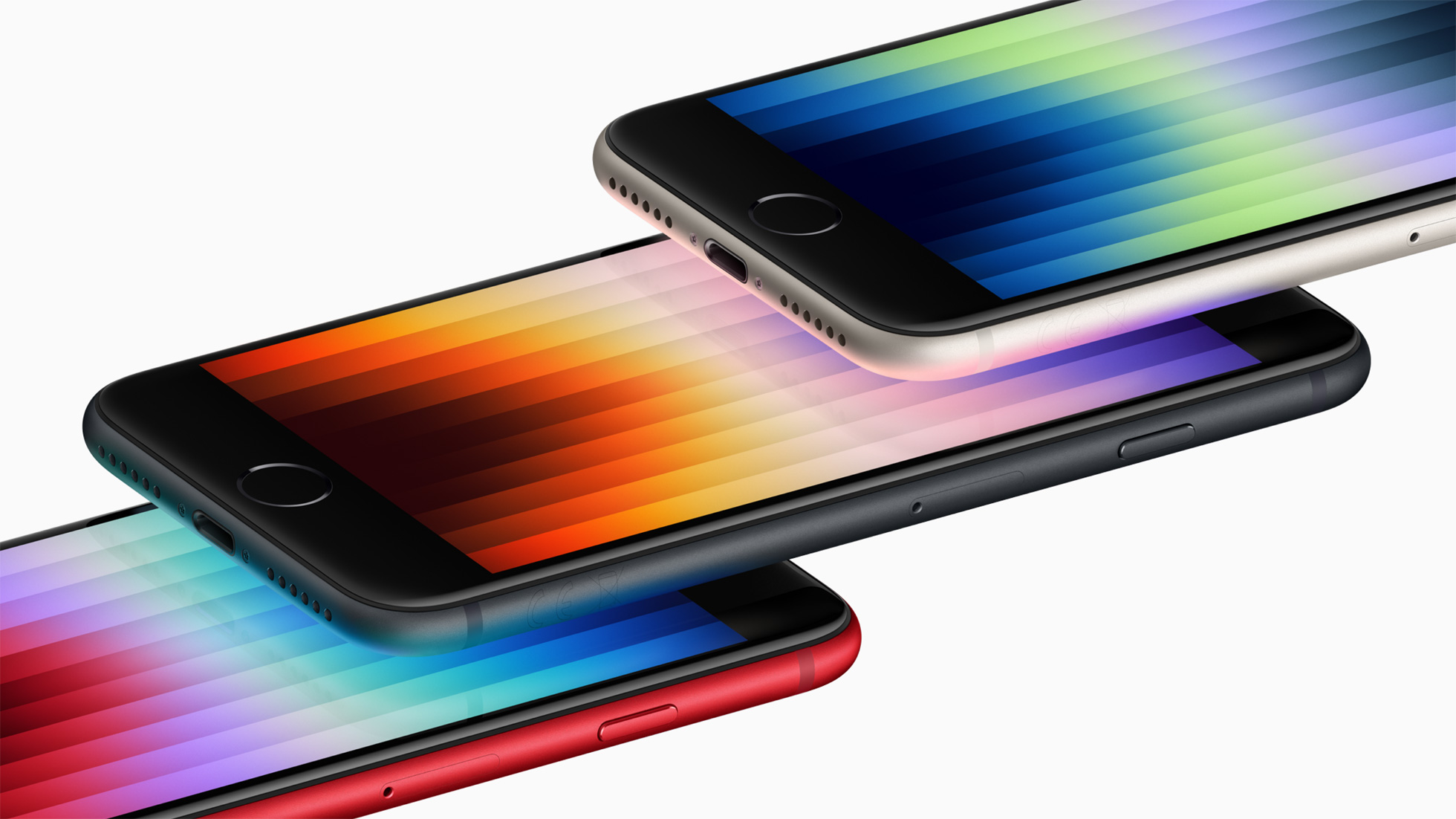
If you’re still using the home button and a tiny 4.7-inch screen, the 17e will feel like a device from the future. You’re moving from an LCD to a 6.1-inch OLED, gaining Face ID, and jumping from a measly 12MP camera to a 48MP sensor. Plus, the 17e is rumored to be the cheapest entry point for Apple Intelligence, which the SE 3 simply can’t run.
2. Upgrade from: iPhone 13 or iPhone 14
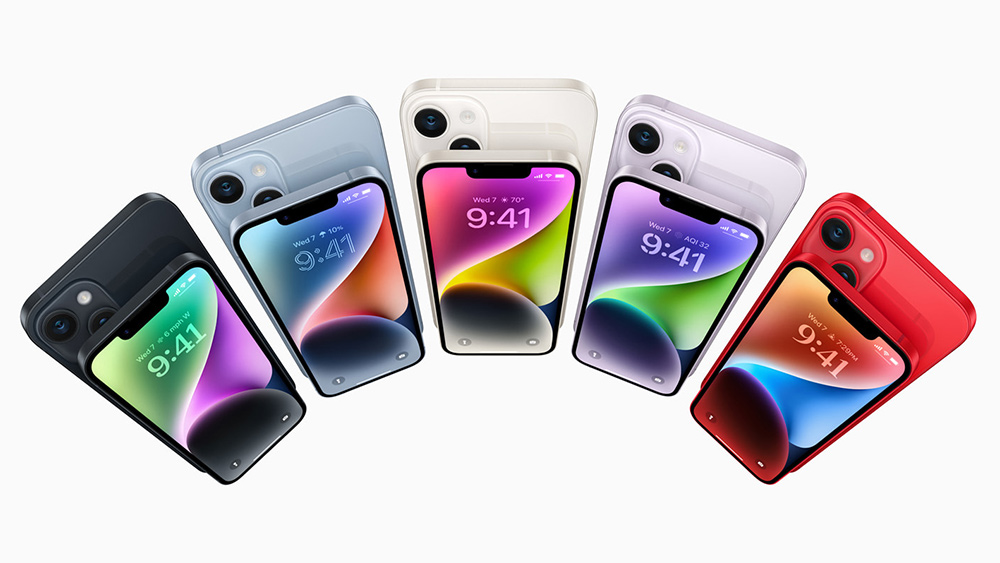
For owners of these older base models, the 17e is a surprisingly logical move. You’ll finally get the Action Button, USB-C charging, and, most importantly, the Dynamic Island (replacing that dated notch). While the screen size is the same, the A19 chip and 8GB of RAM provide the headroom needed for modern AI tasks that the iPhone 13 and 14 struggle with.
3. Upgrade from: iPhone 16e
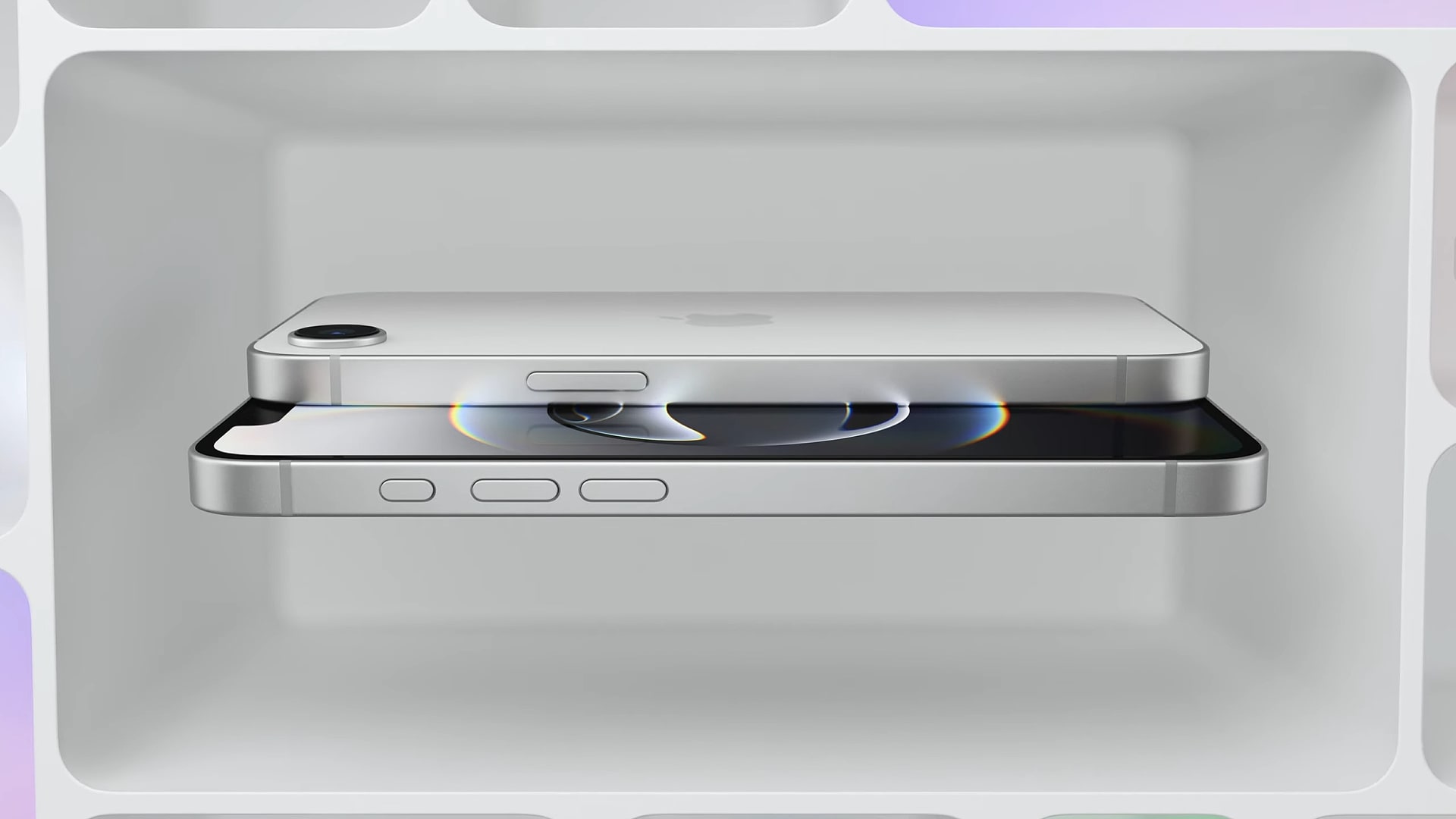
This is probably rare, but if you bought the 16e and immediately regretted the lack of MagSafe or the presence of the notch, the 17e fixes both. It’s a refined version of the budget experiment, adding the magnetic ecosystem and a more efficient Apple-designed C1X modem for better battery and 5G speeds.
We haven’t heard anything of plans for Apple’s Studio Display since 2022. I use it everyday, and a juicy creative-focused update is well overdue.
- Sizes: New 27-inch and 32-inch configurations.
- Display: ProMotion (120Hz) and HDR support.
- Processor: Upgraded to the A19 chip.
- Connectivity: Thunderbolt 5.
iPad Air M4: all the rumours
The rumoured iPad Air M4 looks set to solidify the sleekest tablet around as a ‘good for everyone’ model. While it won’t be chasing the Pro’s OLED glory just yet, it’s reportedly making the expected leap to the M4 chip – the same powerhouse currently found in the 2025 iPad Pro. We love the iPad Air (it’s great for so many creative workflows as you can see from our iPad Air M3 review).
- Processor: Jumping to the M4.
- Display: Sticking with LED (OLED expected in 2027).
- Connectivity: Wi-Fi 7 and Bluetooth 6 support.
- Price: Expected to hold at $599.
And what about the MacBook Pro M5 and M5 Pro Max?
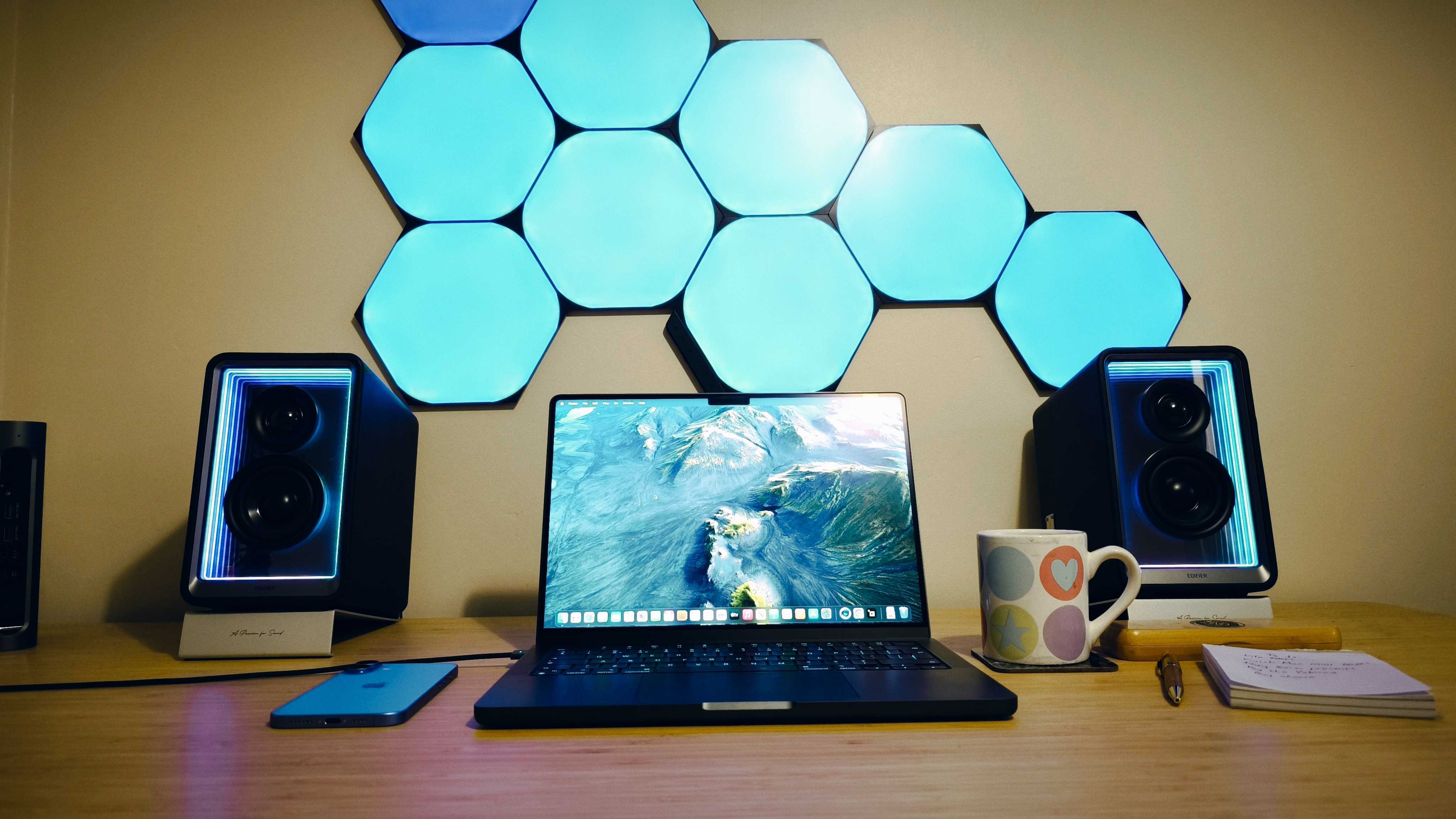
As we know from our years spent covering MacBooks for creatives, the M5 Pro and M5 Pro Max MacBook Pros are the performance titans – ideal for serious creative pros. For example, the MacBook M4 Pro is topping our best laptops for 3D modelling list right now.
Leakers are calling the M5 Max a monster, with rumours of a 25% performance uplift and a new architecture that separation of CPU and GPU cores for better efficiency. We’re also hearing about a Neural Accelerator in every GPU core, specifically designed to crush complex AI workloads. Don’t look for a redesign – that’s reportedly saved for the 2027 OLED transition. For now, the focus is pure power: Wi-Fi 7, Thunderbolt 5, and a staggering 128GB RAM ceiling.
- Chips: M5 Pro and M5 Max (built on TSMC’s N3P process).
- Price: Expected to start at $1,999 for the 14-inch Pro.
- Connectivity: Support for up to four 6K displays on the Max variant.
- Launch: Predicted for Wednesday, March 4th.
It’s not all brand-new concepts like the MacBook A18 Pro and iPhone 17e, there are also rumours abound about expected upgrades to the MacBook Air and MacBook Pro lineups.
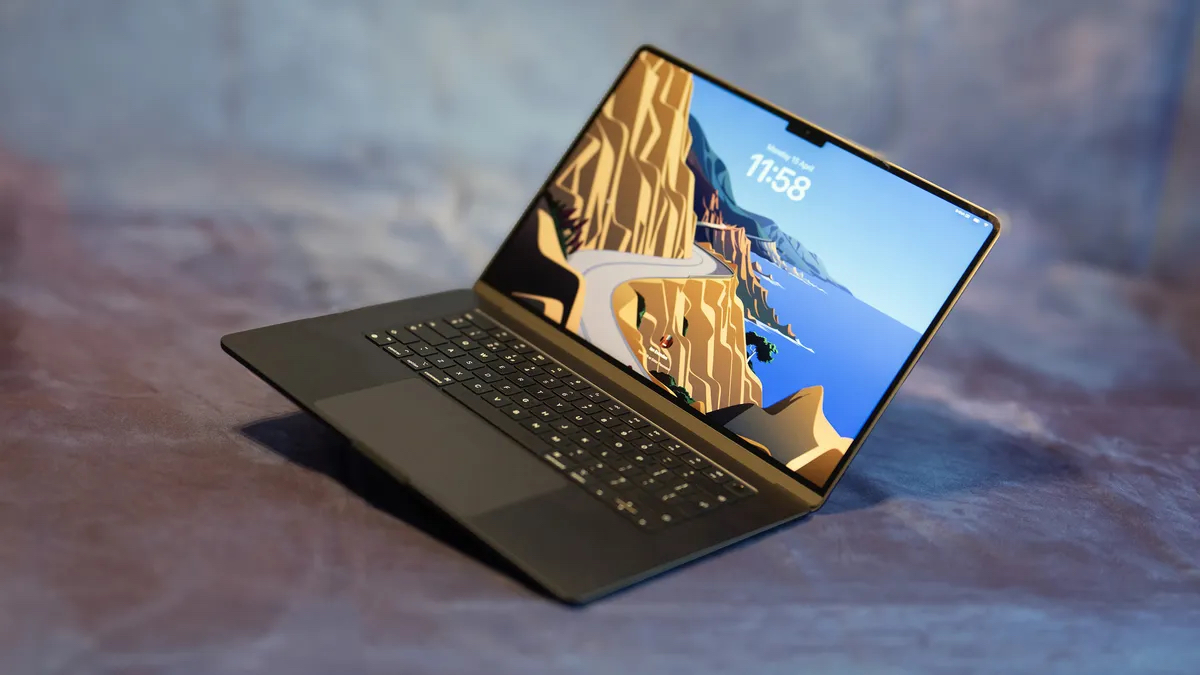
While these are more predictable, they’re also welcome – especially because the Macbook Air is fast becoming more than enough power for the average creative. Our MacBook Air M4 review lauded the speed and power, and pointed out that the performance covers most creative tasks from moderate video editing to light 3D work, and that the price point it remains at makes it a really valuable option in Apple’s lineup. It’s always been my favourite model – I’m typing on the M2 version right now.
- Launch: Rumoured for Tuesday, March 3rd.
- Price: Expected to start at $1,099.
- Display: Retina LCD (OLED likely held for 2028).
- Speed: 153GB/s memory bandwidth for smoother multitasking.
The rumoured iPad 12
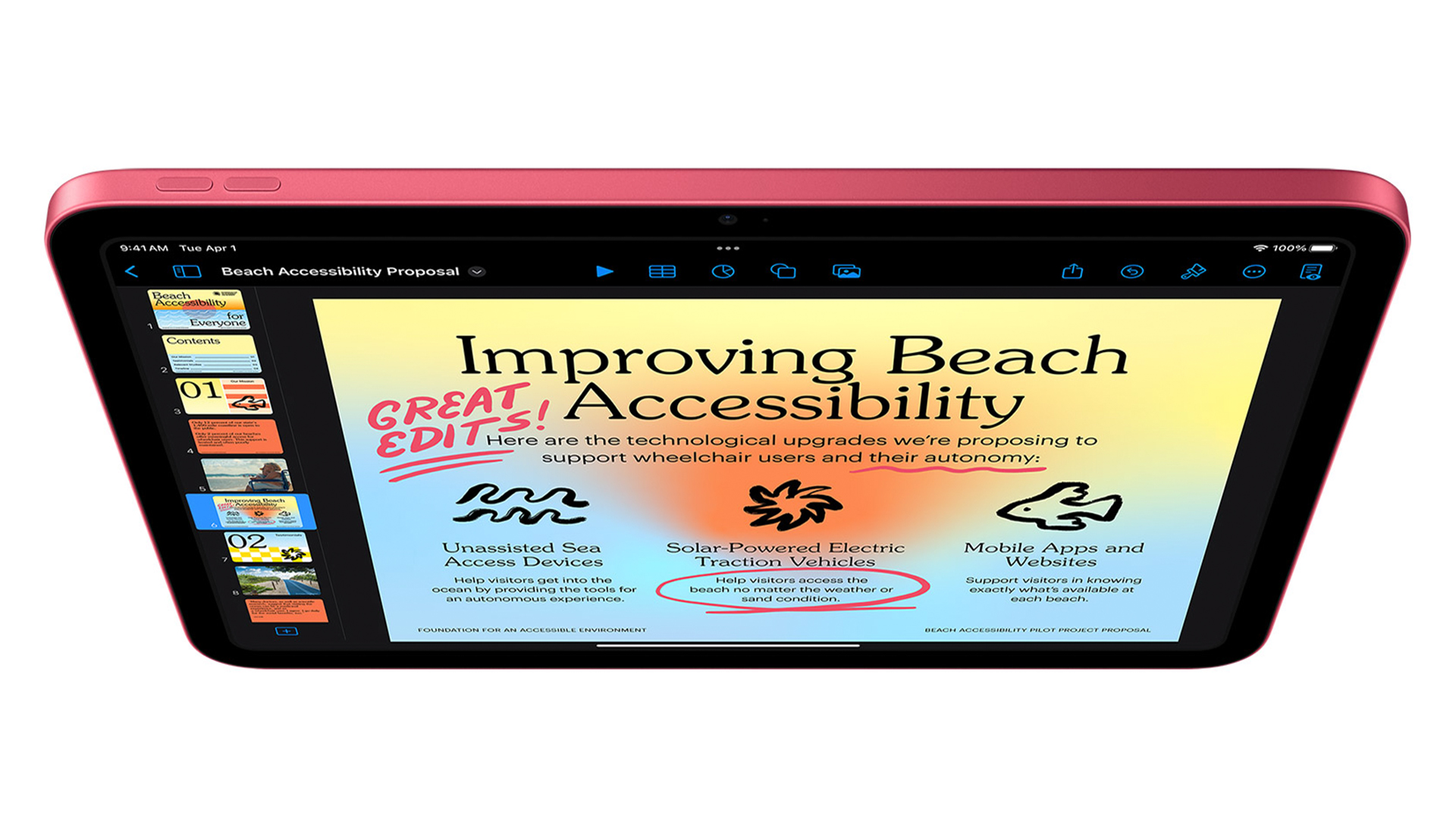
Design-wise, don’t expect a revolution – it’s likely to stick with the reliable 11-inch Liquid Retina display and the landscape selfie cam. However, the real story is the rumoured upgrade to 8GB of RAM, a necessary move to handle the upcoming Siri 2.0 and on-device AI tools. While we might still be looking at a 60Hz screen and non-laminated glass to keep costs down, the inclusion of the N1 wireless chip for Wi-Fi 7 means this budget tablet is built for the future.
- Price: Holding the line at a very reasonable $349.
- Processor: A18 or A19 chip with 8GB RAM.
- Connectivity: Wi-Fi 7 and Bluetooth 6 support.
- AI: Full support for Writing Tools and Image Wand.
The expected MacBook A18 Pro
This is one of the most exciting rumours for the majority, including creators and students. An ultra-affordable MacBook powered by the A18 Pro – the powerhouse found in the iPhone 16 Pro – rather than M-series chip.
For the budget-conscious student, an on-the-move freelancer or a content creator, this could be a game-changer. Leaks suggest a portable 12.9-inch design that ditches the classic Silver and Space Gray for a more vibrant palette of yellow, blue, and green (this kind of design is what we hoped the logo was pointing to). While the model might lose Thunderbolt support and a backlit keyboard to hit the rumoured $599 price point, the A18 Pro’s NPU is more than capable of handling Apple Intelligence tasks.
- Processor: iPhone A18 Pro chip.
- Price: Between $599 – $699.
- Design: 12.9-inch LCD in playful new colours.
- Trade-offs: No Thunderbolt; potential 8GB RAM ceiling.
All about the rumoured iPhone 17e
Rumours at a glance:
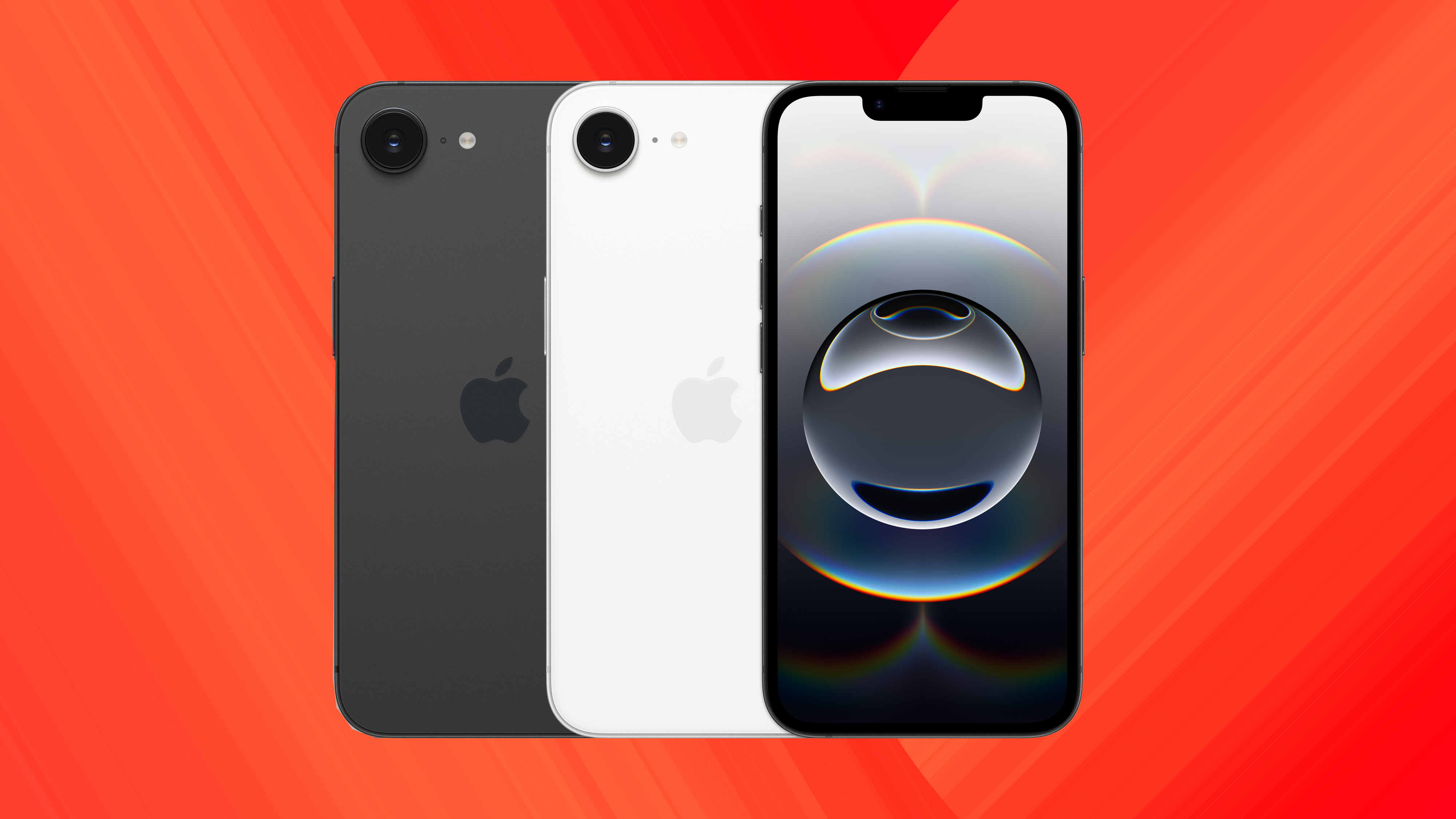
- Price: Holding steady at $599.
- Design: Slimmer bezels and Dynamic Island.
- Pro Feature: MagSafe support (finally) arrives.
- Performance: A19 chip with 8GB RAM for AI tasks.
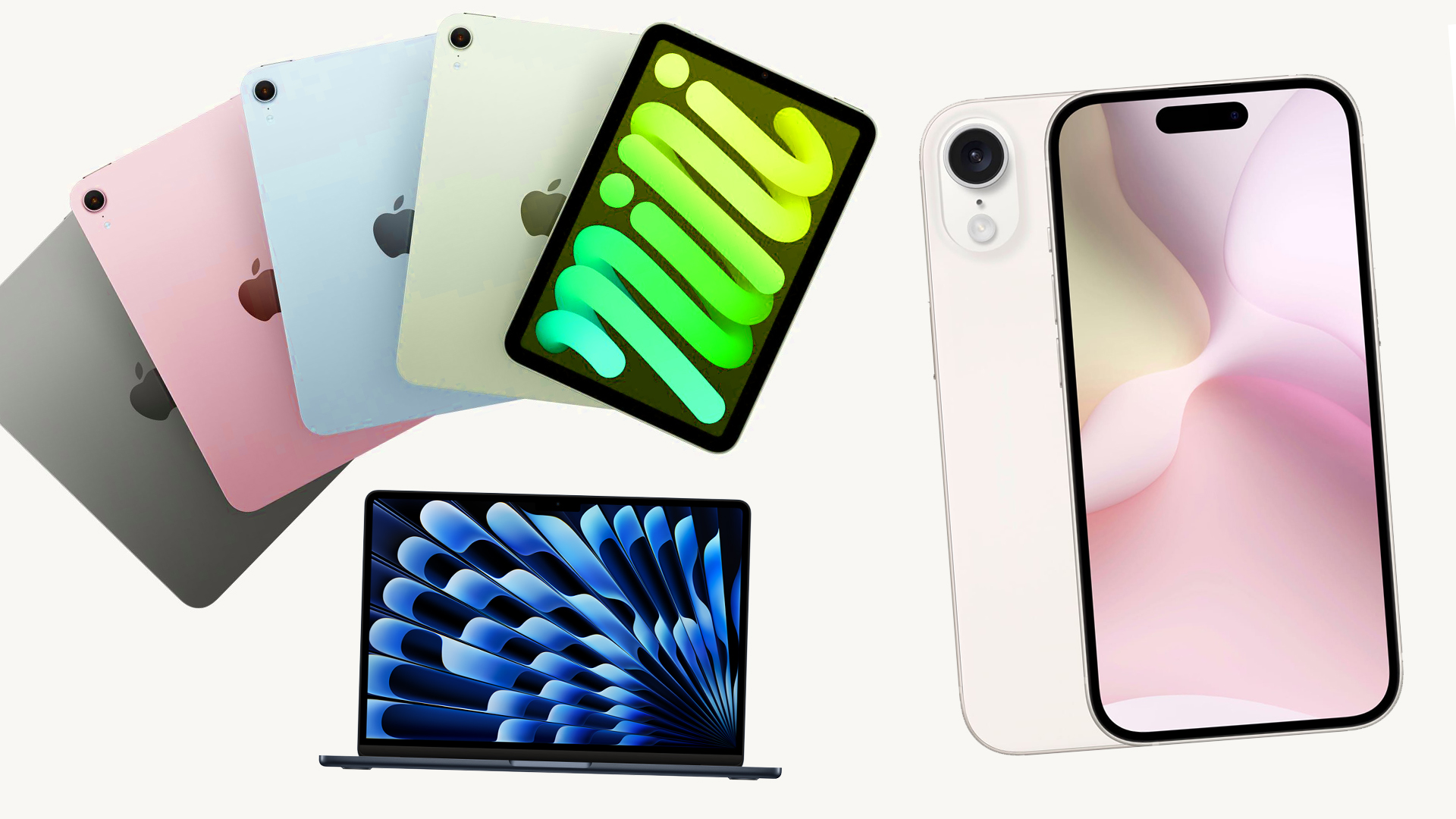
While we’ve got a few hours to wait before any expected news (Tim Cook said it’ll probably be 9 a.m. EST / 2 p.m. GMT), I’m seeing tons of speculation online already. So let’s go one product at a time. As I’ve mentioned, the expected lineup is as follows:
- iPhone 17e
- MacBook A18 Pro
- MacBook Pro M5 Pro and M5 Pro Max
- MacBook Air M5
- iPad 12
- iPad Air M4
- Mac Studio Display
Apple Event Products:📱 iPhone 17e📲 iPad Air (M4)🆕 iPad 12 (A18)💻 MacBook (A18 Pro)🚀 MacBook Pro (M5 Pro/Max)✨ MacBook Air (M5)Which one are you upgrading to? 👇 pic.twitter.com/ezSrI6cdCIFebruary 18, 2026
Stand by and I’ll run through the expectations for that product lineup. Of course, Apple often throws curveballs so anything could happen (we’re hoping for a new iPod please!)
And we’re off! It’s a huge week for Apple, with the promise of approximately FIVE new products. Things have felt a little stale in the Applesphere lately, with iterative updates on the same models coming year after year. While we love the sleek design of Apple tech, I also love innovation so something new is very welcome indeed.
Of course last year saw the release of the iPhone Air, which tired hard to be innovative in its super slim design. Unfortunately, it didn’t match up to the performance of the iPad Air with battery life and camera being two major concessions – and remained very expensive. This means I’m skeptical about the prospect of any properly affordable Apple option, though it’ll be a great thing if they manage to nail affordability while keeping key features useable.
You must confirm your public display name before commenting
Please logout and then login again, you will then be prompted to enter your display name.
First Appeared on
Source link






Leave feedback about this