

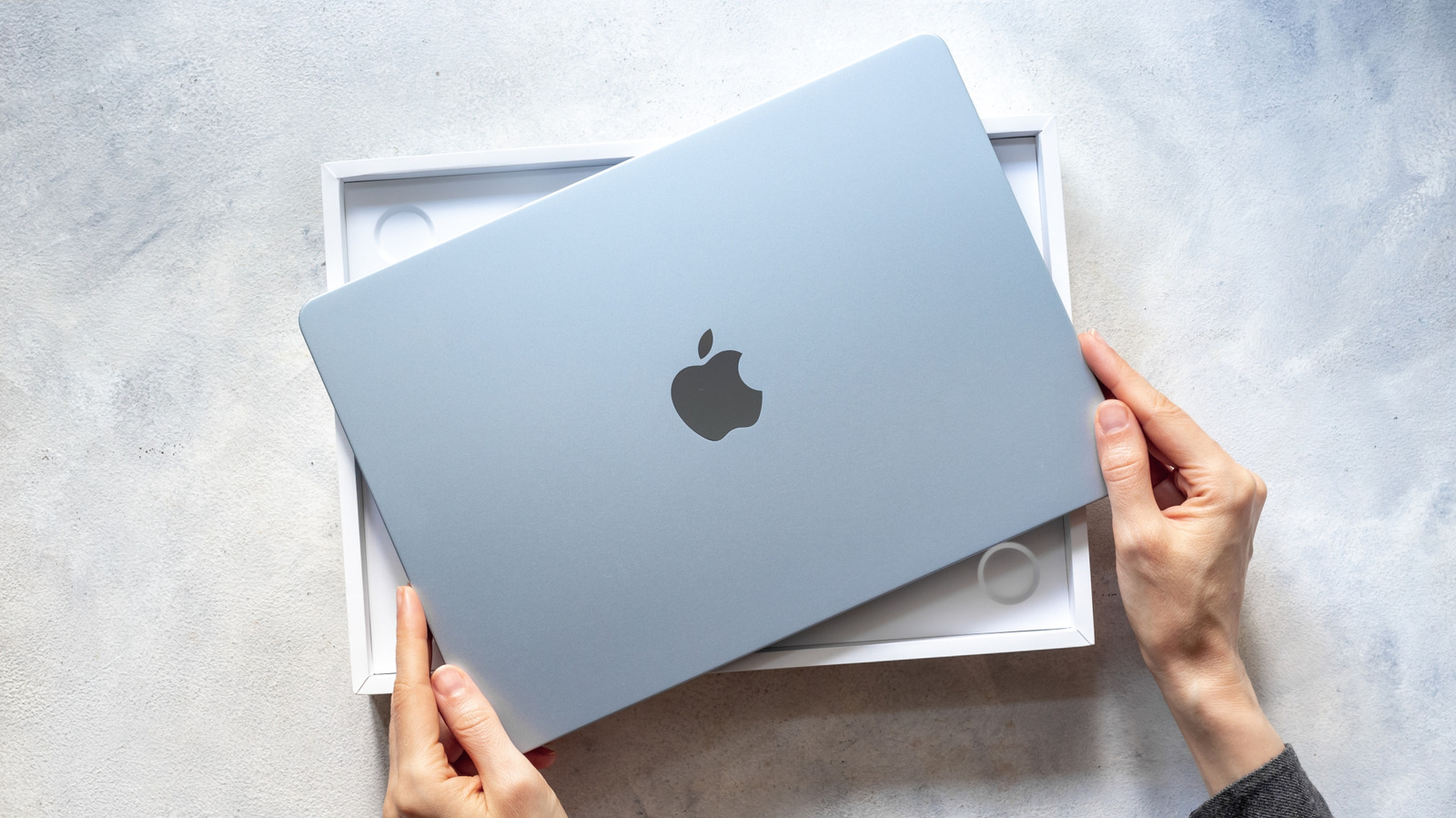
We all know a few MacBook Air users who refuse to give up on their ancient models, the ones with a glowing Apple logo or an Intel-based processor (Apple stopped using them after 2020). Despite these Macs not seeing an update in years and not being able to easily replace the battery at home, they use them every day and refuse to replace them.
For these users, the question of how long the device lasts comes down to how long it turns on and maintains its basic functionality, and that’s what people around them think as well. That is a very optimistic way to look at it, especially for a first-time buyer who wants to invest in a device with a potential lifespan of a decade, but “lasting” doesn’t only refer to surviving physically.
A MacBook Air’s lifespan is determined by two different factors: hardware durability and software longevity. While the first refers to how long the components (RAM, SSD, chipset, keyboard, etc.) continue to function, the second is how long Apple continues to release operating system and security updates for the device. For most users, it is the software that ultimately decides when a MacBook Air’s time is up.
Why macOS updates matter more than hardware functionality

Apple’s macOS updates not only introduce new features, but they also do a great job of fixing security issues (including zero-day vulnerabilities and suspicious malware), ensuring that your most-used third-party apps like Google Chrome and Zoom remain compatible, and deliver the best performance and efficiency with repeated optimizations.
Take a look at the 50+ security issues fixed in macOS Tahoe 26.3 update, related to Bluetooth, Contacts, Game Center, Mail, Messages, and Siri, and ask yourself: which of these do you use daily? Even though the list doesn’t include a zero-day security issue, the sheer volume of threats Apple fixes in every update makes it clear that software support acts as the unseen safety net for all users.
The macOS Tahoe 26.2 update also introduced new features such as Edge Light, the Journal app (previously available on iOS), and enhanced Spotlight functionality. You see? Even if you aren’t using the flashy new features, the security fixes and system refinements act like a regular maintenance scheme included in the price of your MacBook Air.
What happens after support ends
When Apple drops software support for your device, all of that goes away, not immediately, but gradually. The first signs are usually subtle, as some of the third-party apps might not update, but in a year or two, the security patches stop coming in as well, implying that any further usage is not recommended from a security standpoint.
This is why the end of software support marks the real end of a MacBook’s functional lifespan. The excellent build quality might help you make the most of your investment as long as security patches keep coming in (for one or two years after macOS support ends), but once that ends, your perfectly functional MacBook doesn’t offer a secure and reliable experience.
Apple doesn’t really tell you when the official support ends, but most MacBook Air models get somewhere around five to seven years of full macOS upgrades before Apple shifts them to security-only updates. Take the M1 MacBook Air as an example. It still remains compatible with the latest macOS 26 Tahoe update, six years after its launch in 2020. The Intel-based MacBook Air that arrived the same year is limited to macOS Sequoia.
So, if you’re buying a new MacBook Air, especially one of the M4-powered models (or the upcoming M5 MacBook Air), you can expect it to last around five to seven years with proper macOS support.
First Appeared on
Source link





Leave feedback about this